
Use cases / 03 Interactive explanation
Explore how search works
Ask your agent for an explanation you can experiment with, then question the details.
An interactive explanation lets you test an idea as you learn it. This search lesson introduces relevance and freshness, but the first version makes their tradeoff difficult to explore.
Explore the lesson
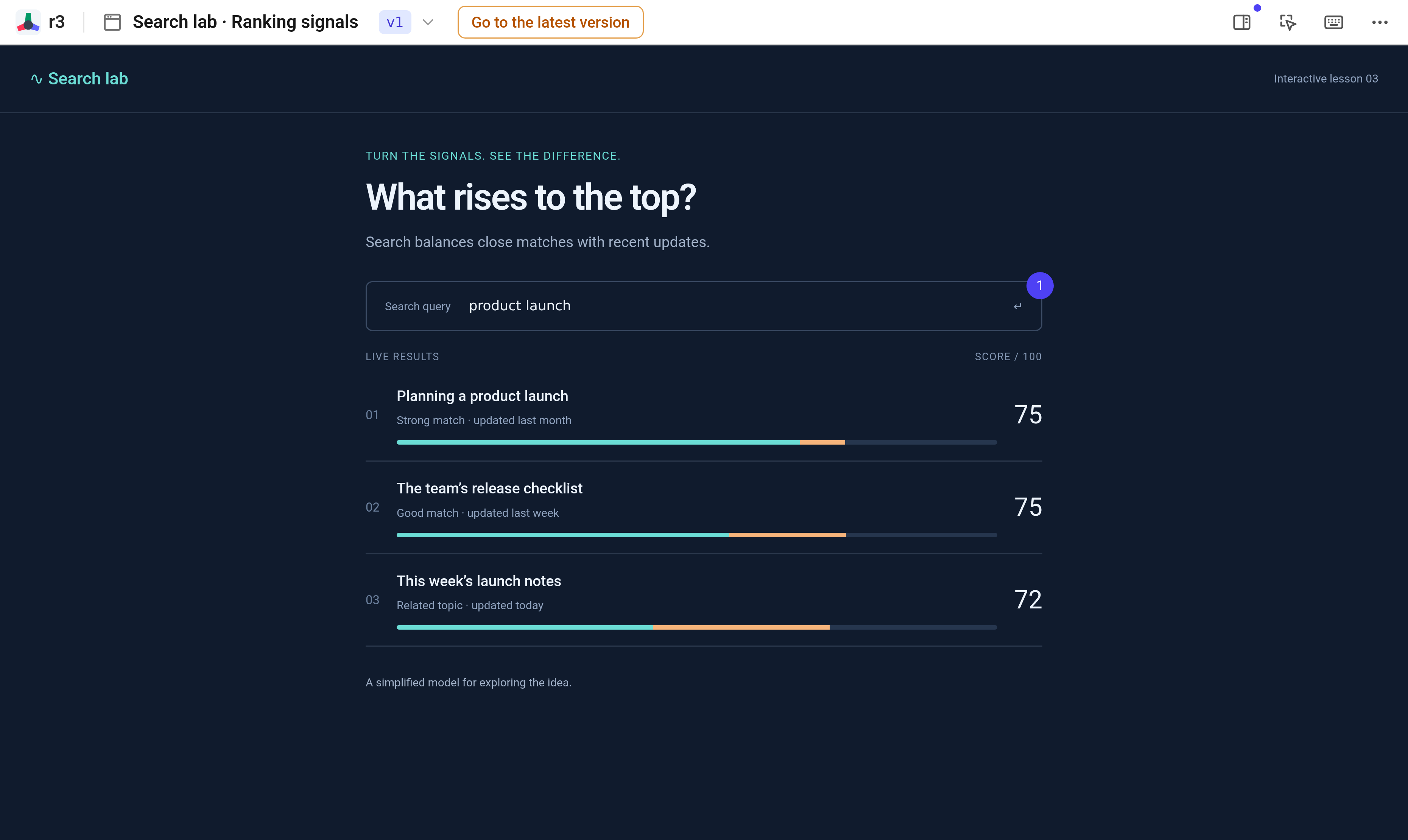
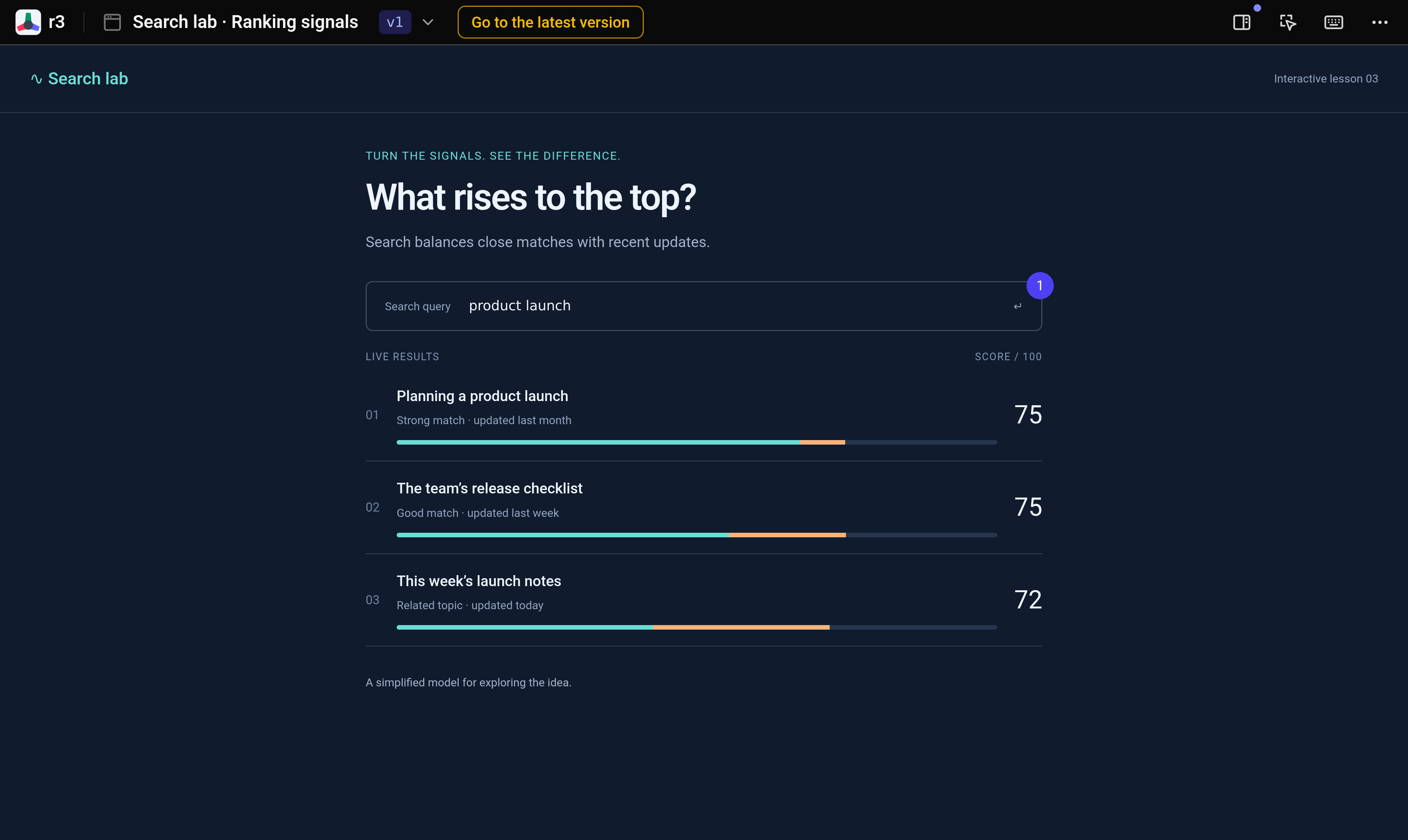
Read the results for “product launch” and inspect their scores. The older planning guide ranks above today’s launch notes. You can see the ordering, but there are no controls for trying a different balance.
Ask for a comparison
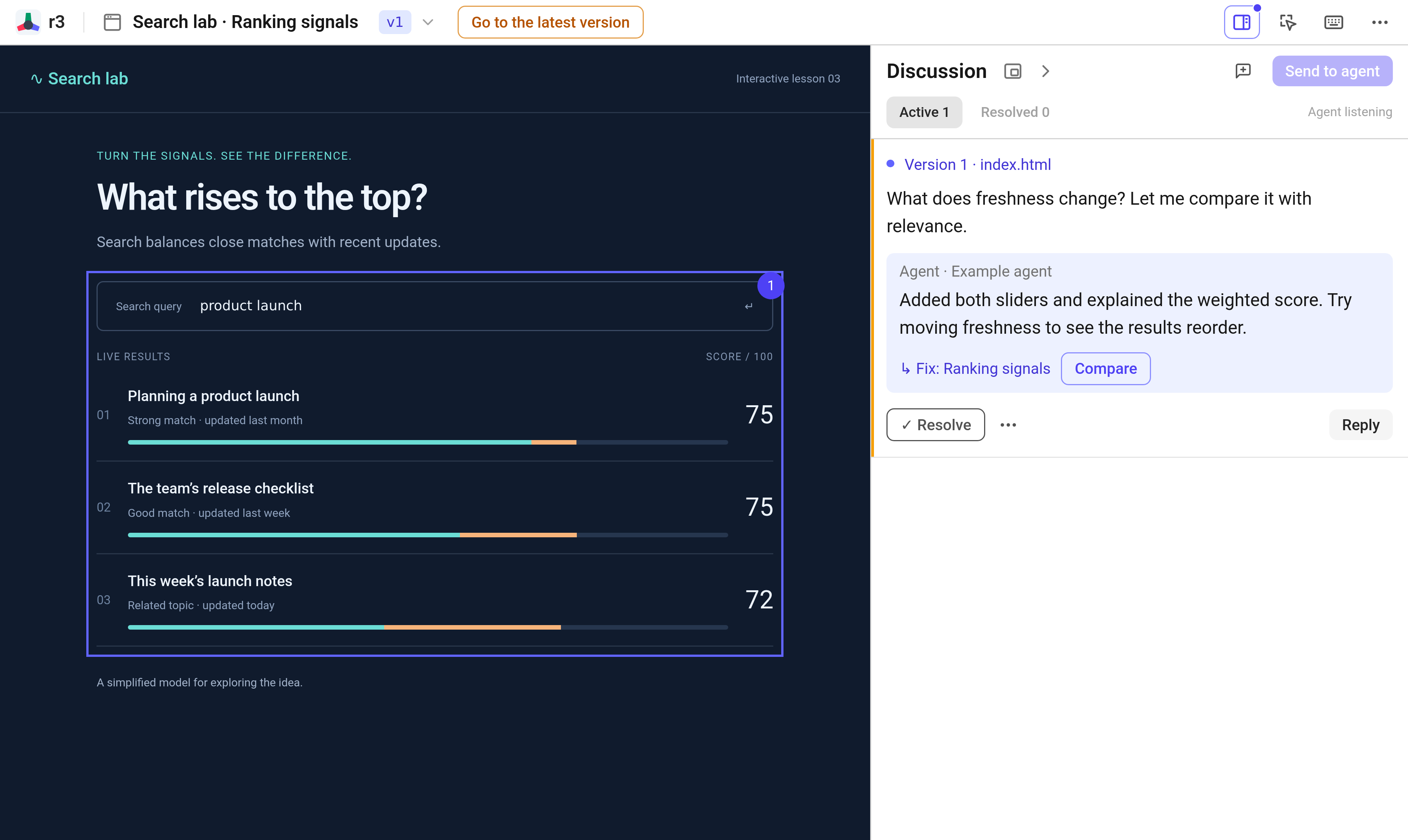
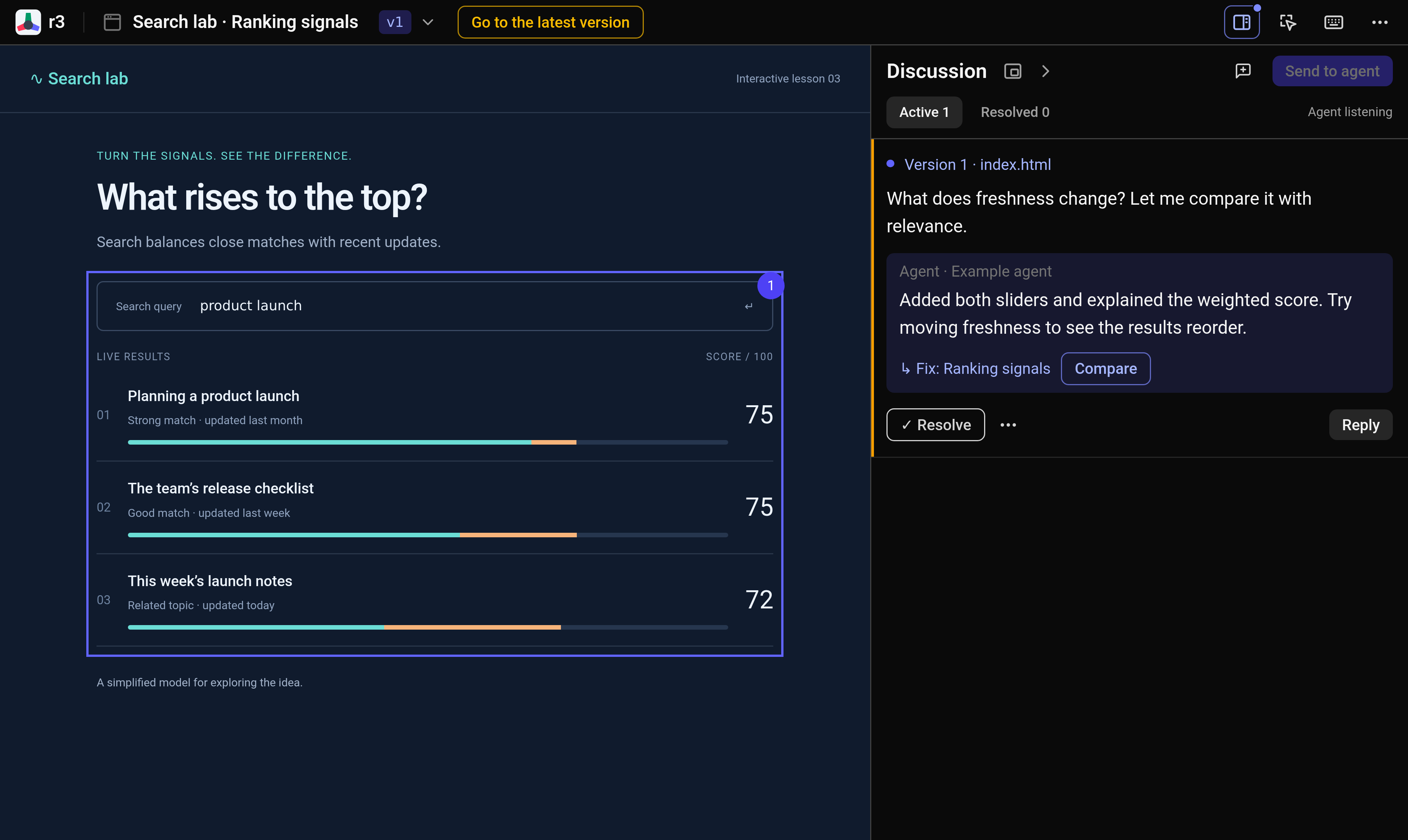
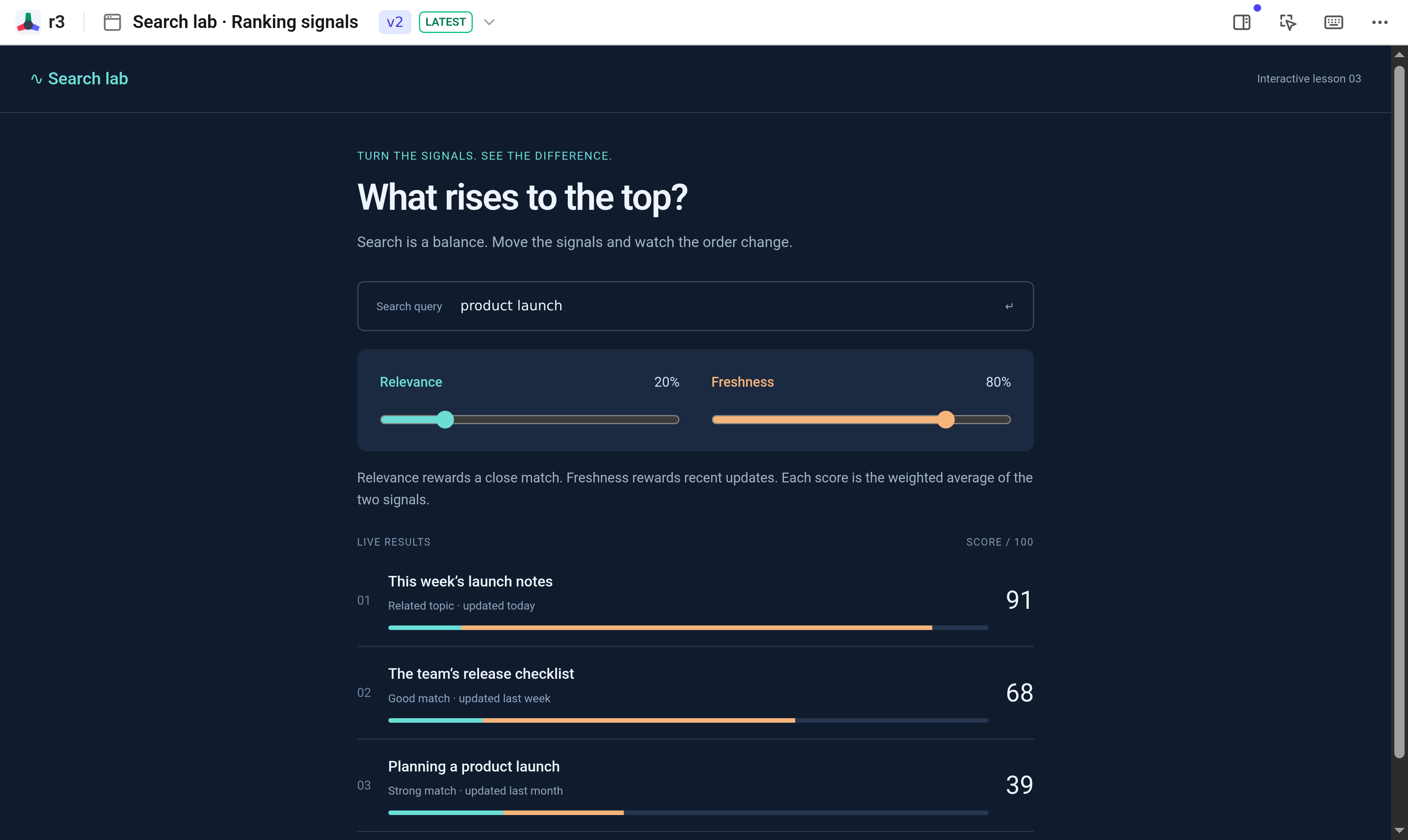
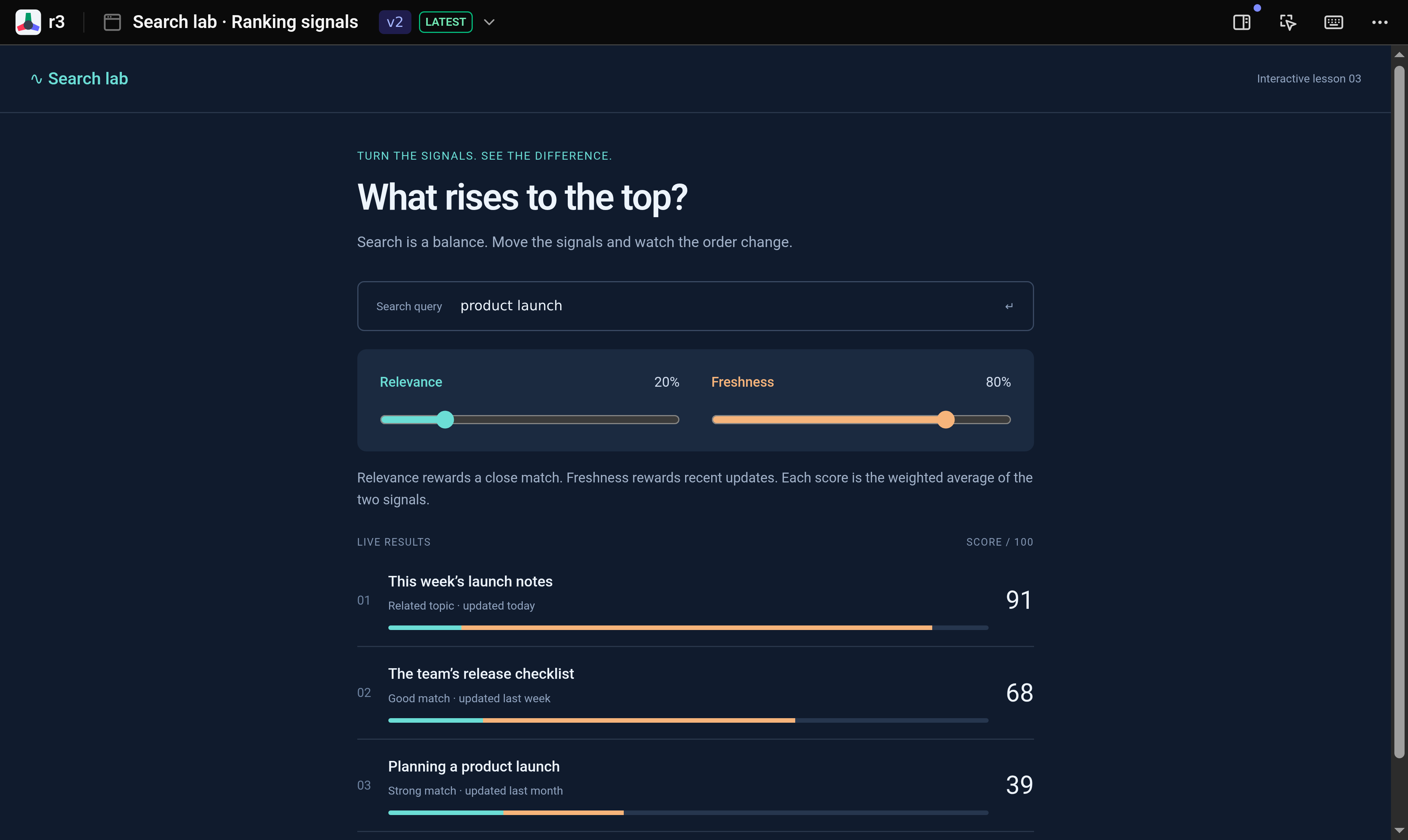
Leave a comment on the ranking section asking what freshness changes. The agent adds separate relevance and freshness sliders, plus an explanation of how the two signals contribute to each result’s score.
Try the new controls
Move freshness to 80% and relevance to 20%. Today’s launch notes rise to the top while the older planning guide drops. You can now test the explanation by changing the inputs and watching the result.
Real r3 screens. Fictional data and scripted replies.