Comment on the work. Send it to your agent.
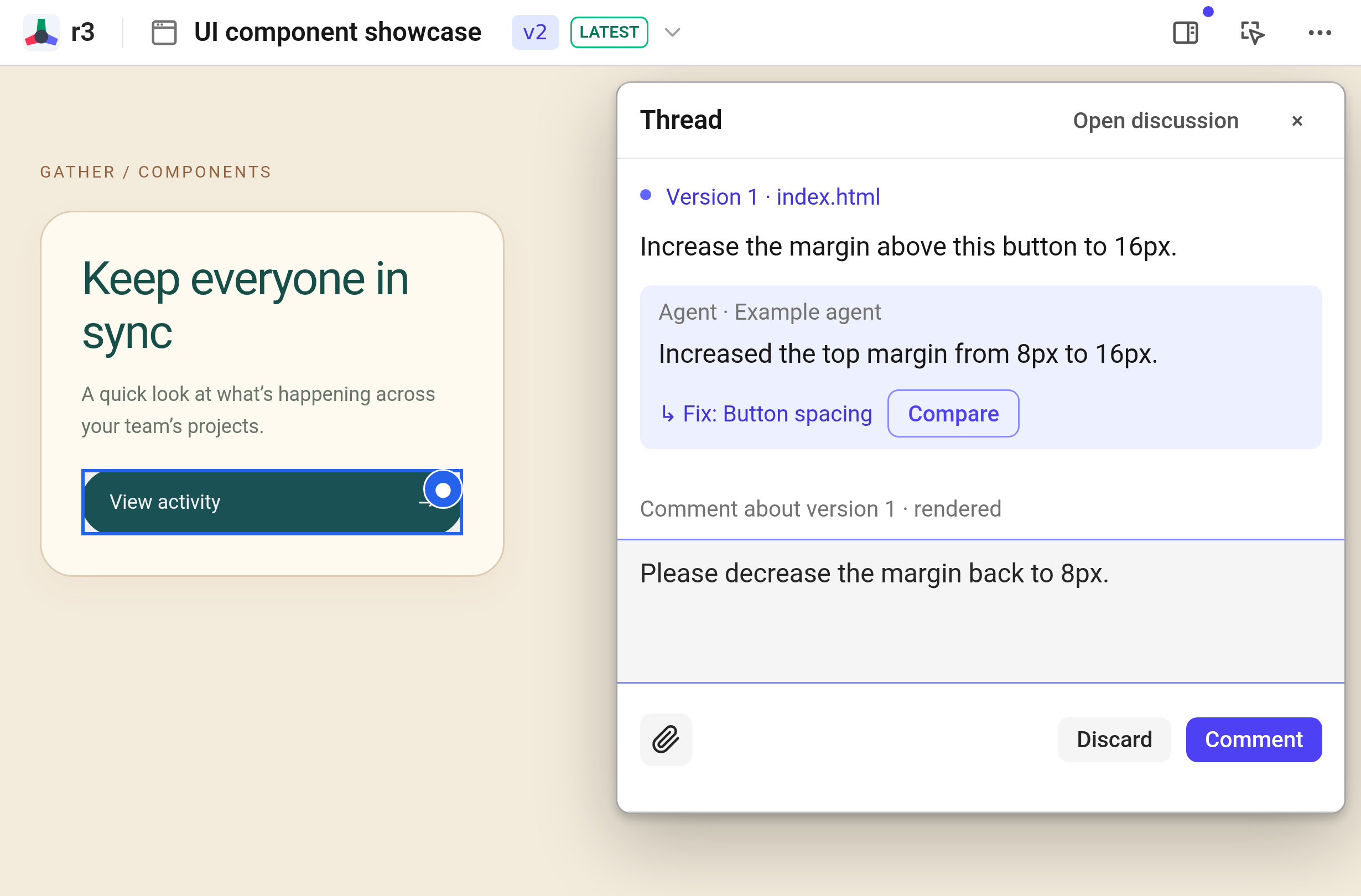
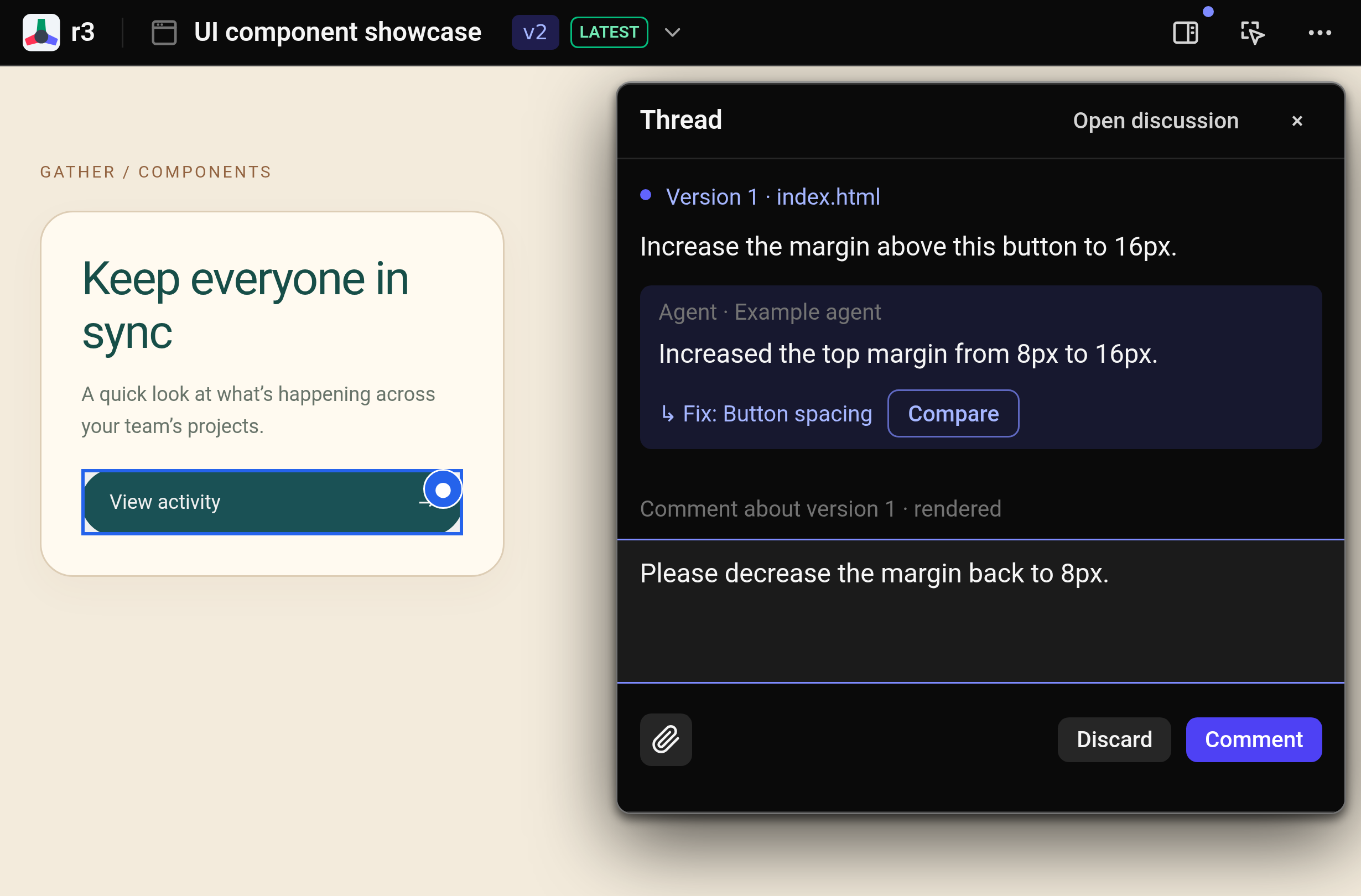
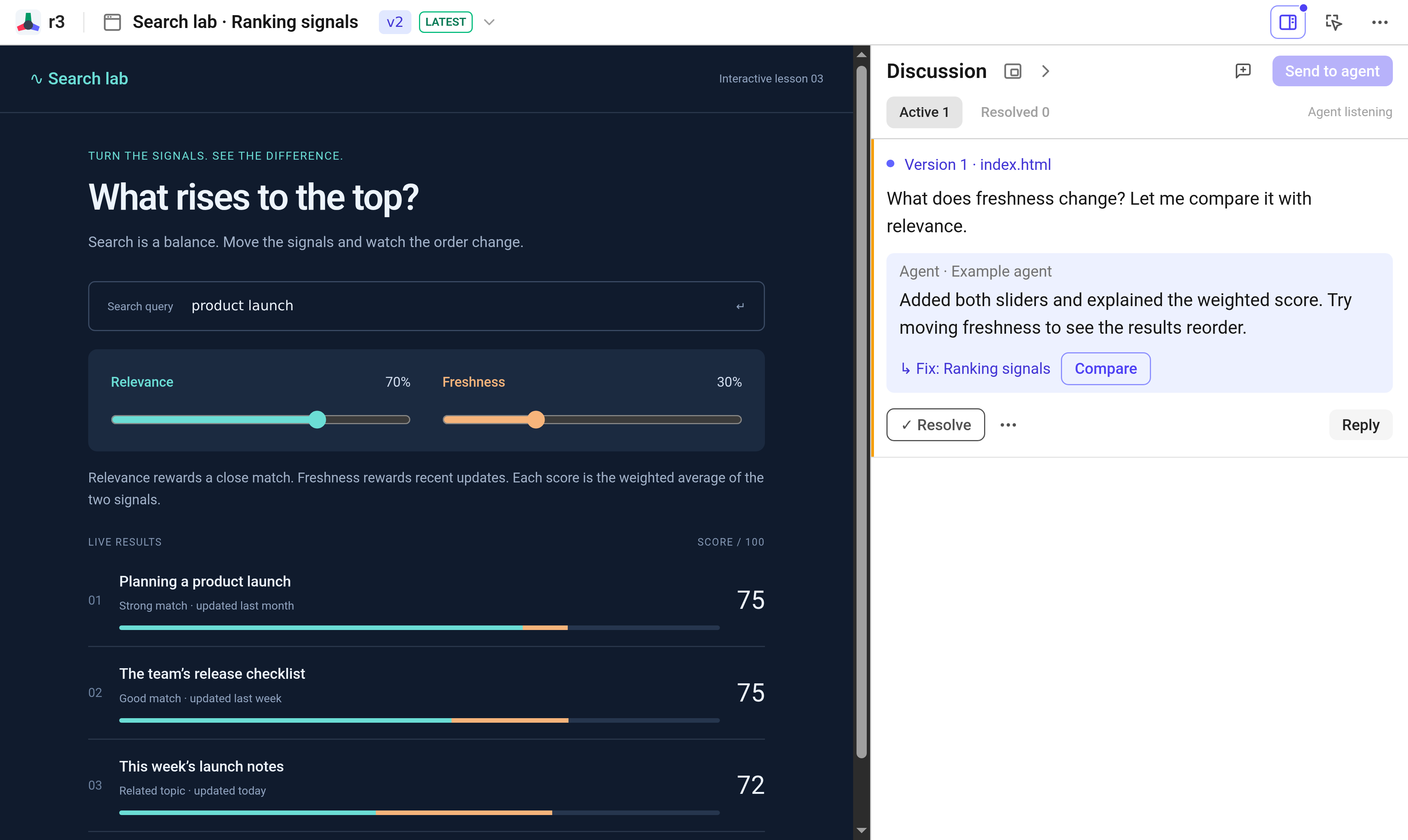
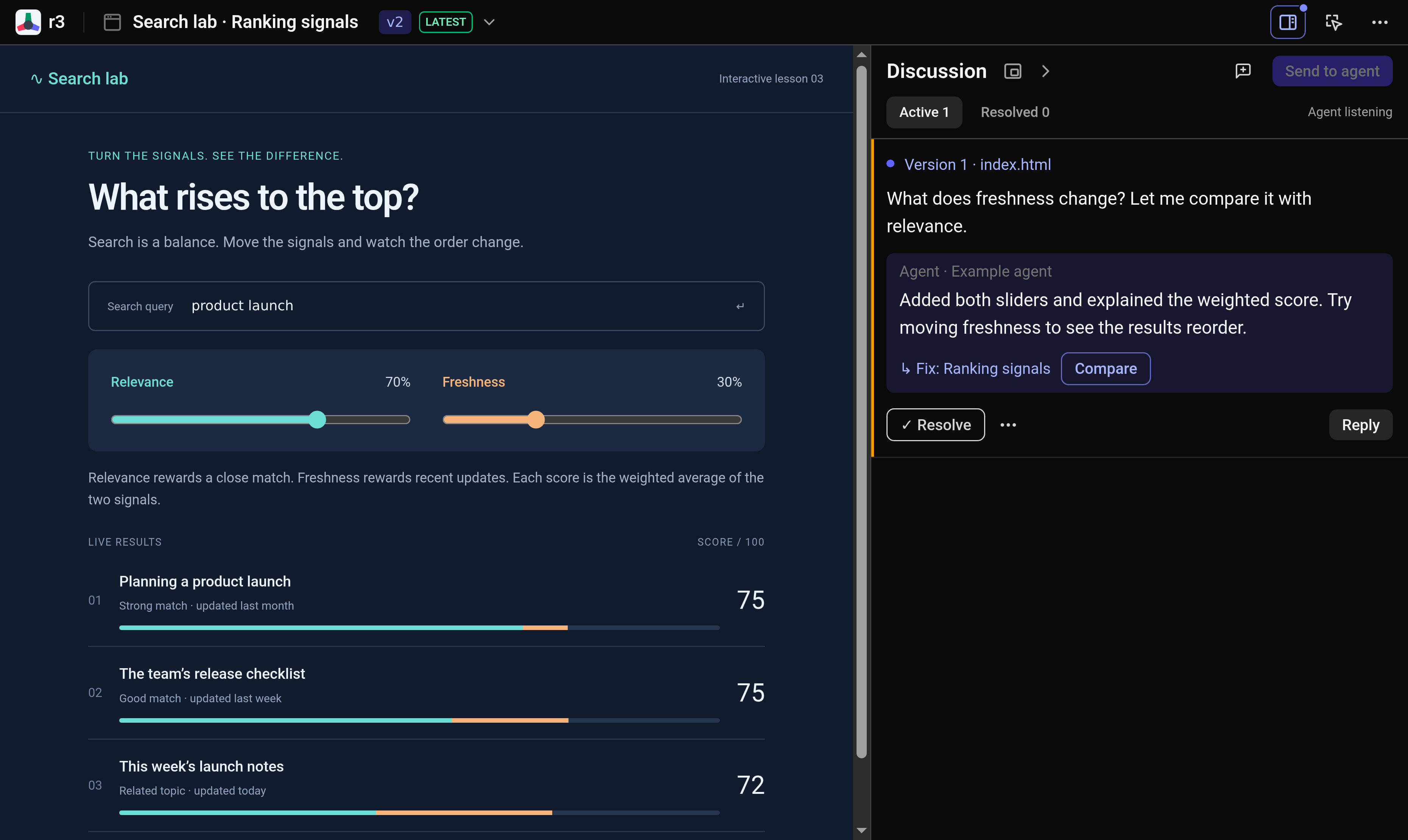
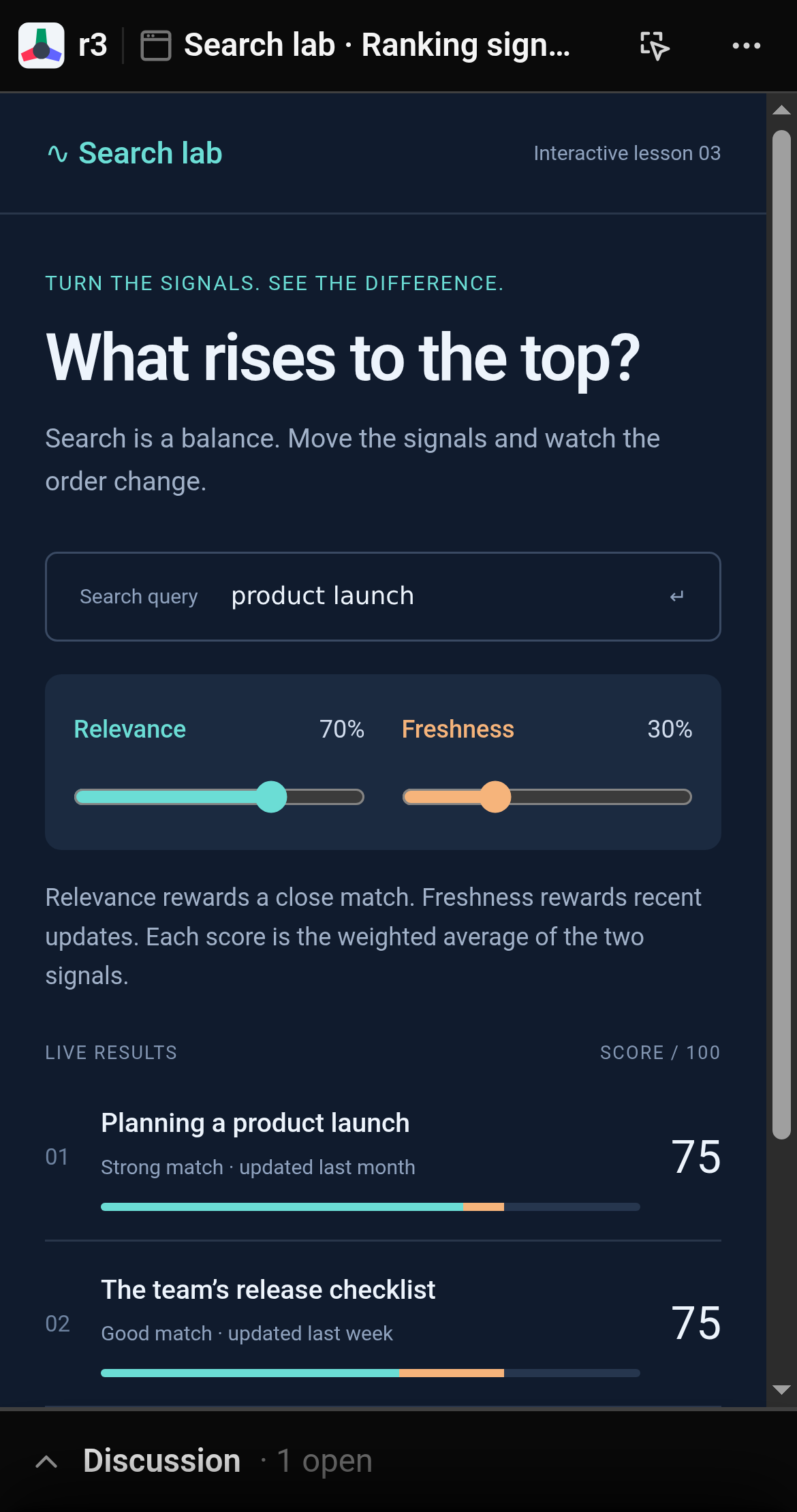
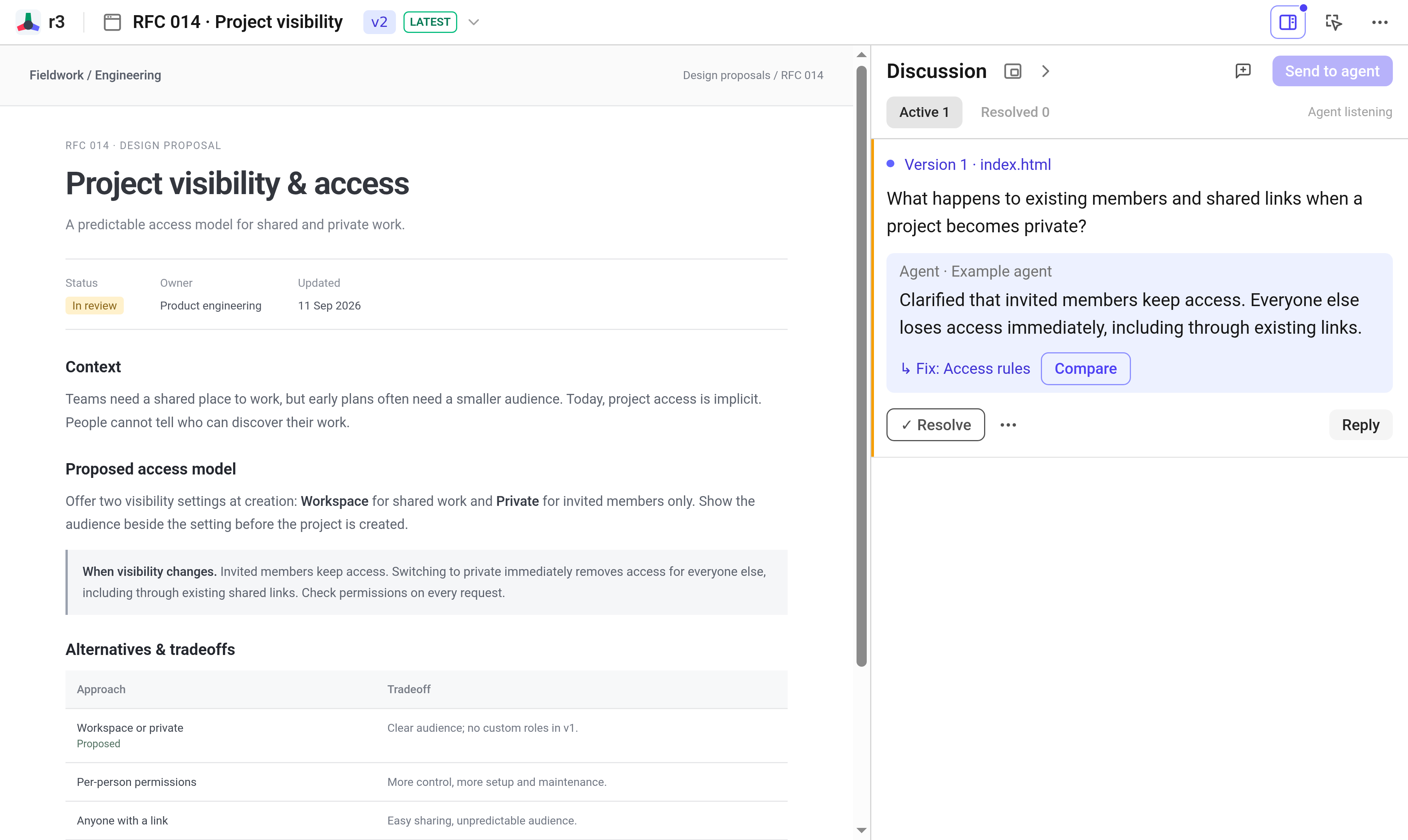
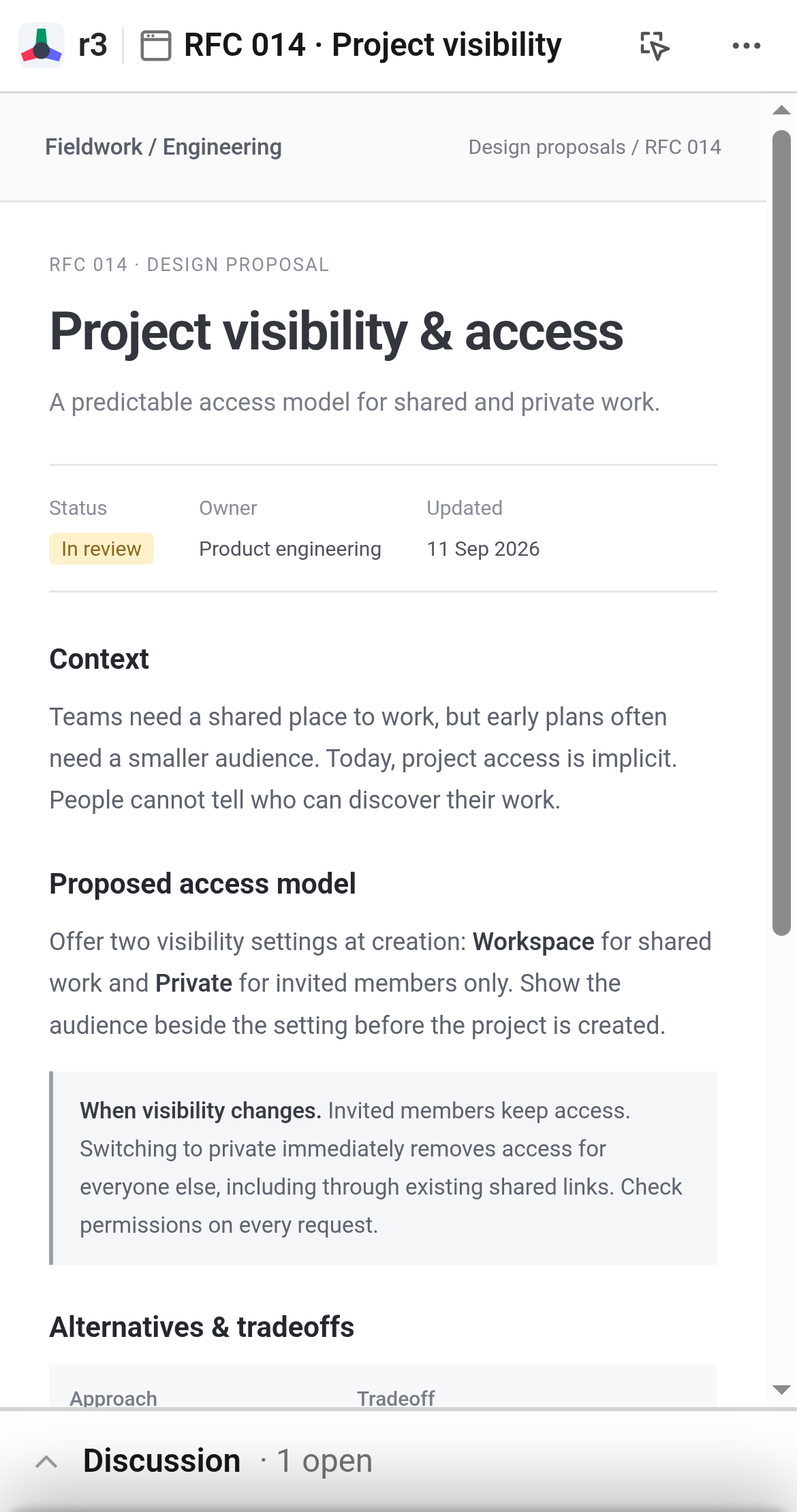
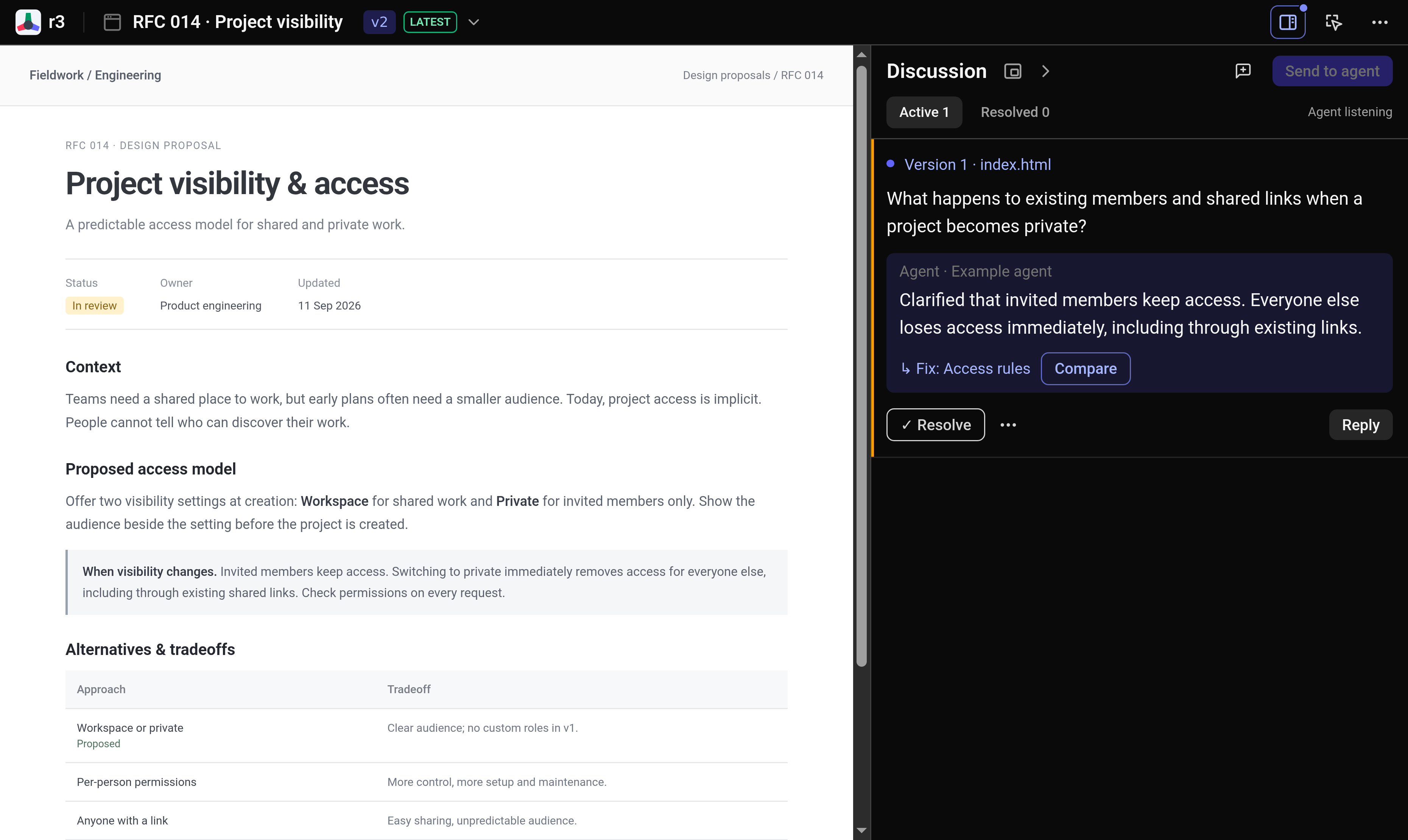
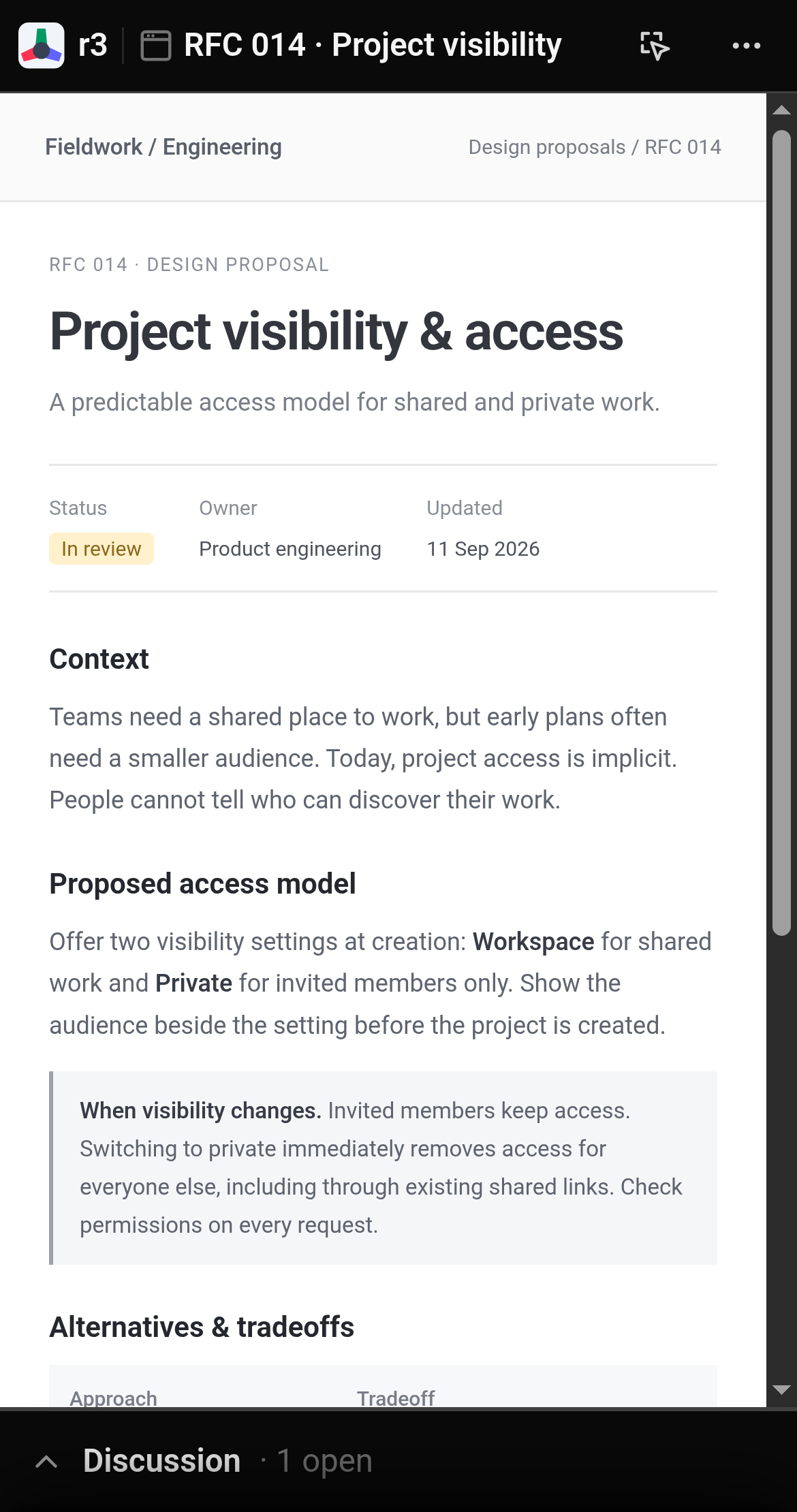
Click a button, heading, or input and leave a note. Collect your feedback, then send it to your agent in one batch, with the exact element and viewport context.
Explore UI prototypes, interactive explainers, and design docs from your agent. Click directly on what needs attention, leave anchored notes, and refine the result together.
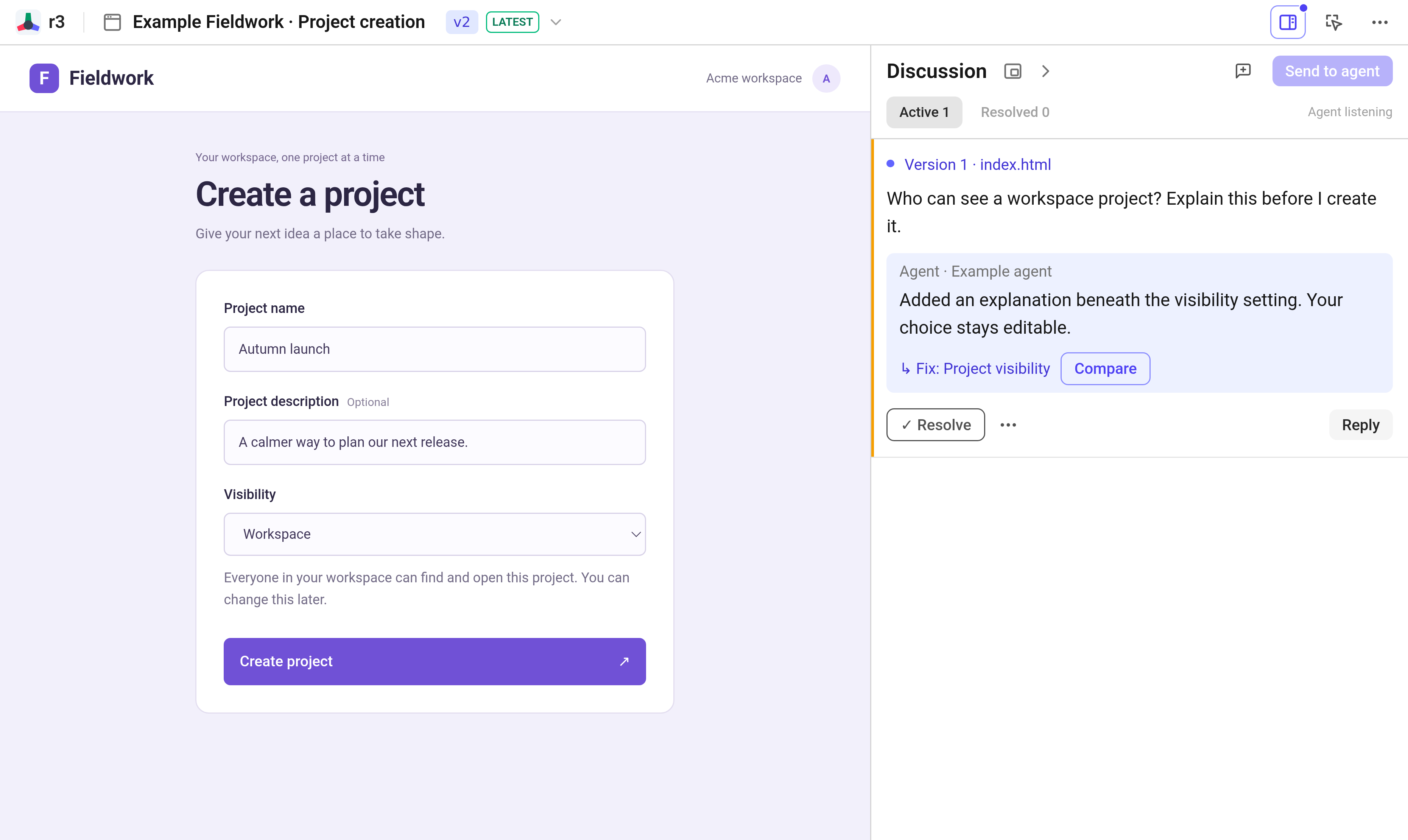
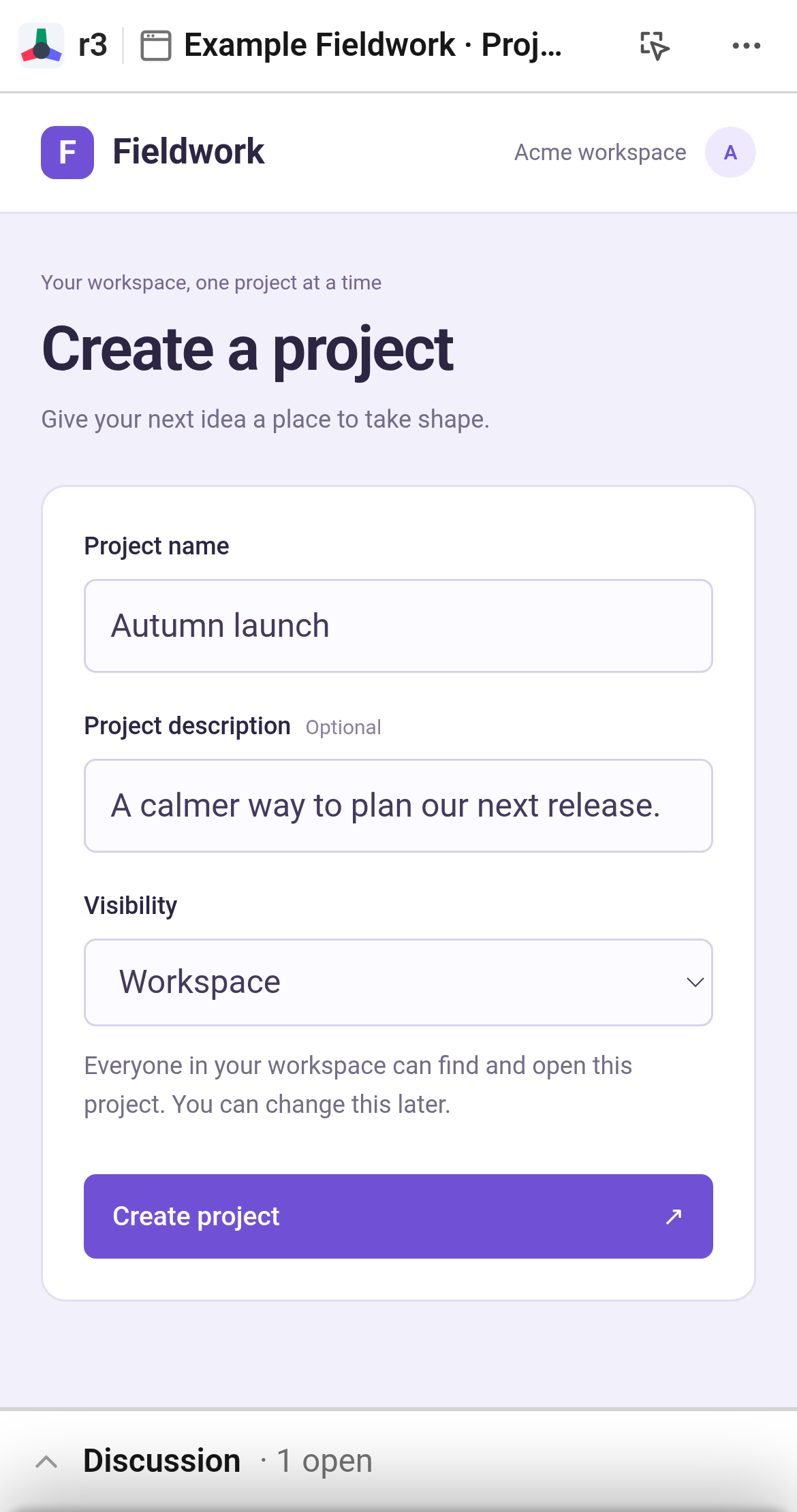
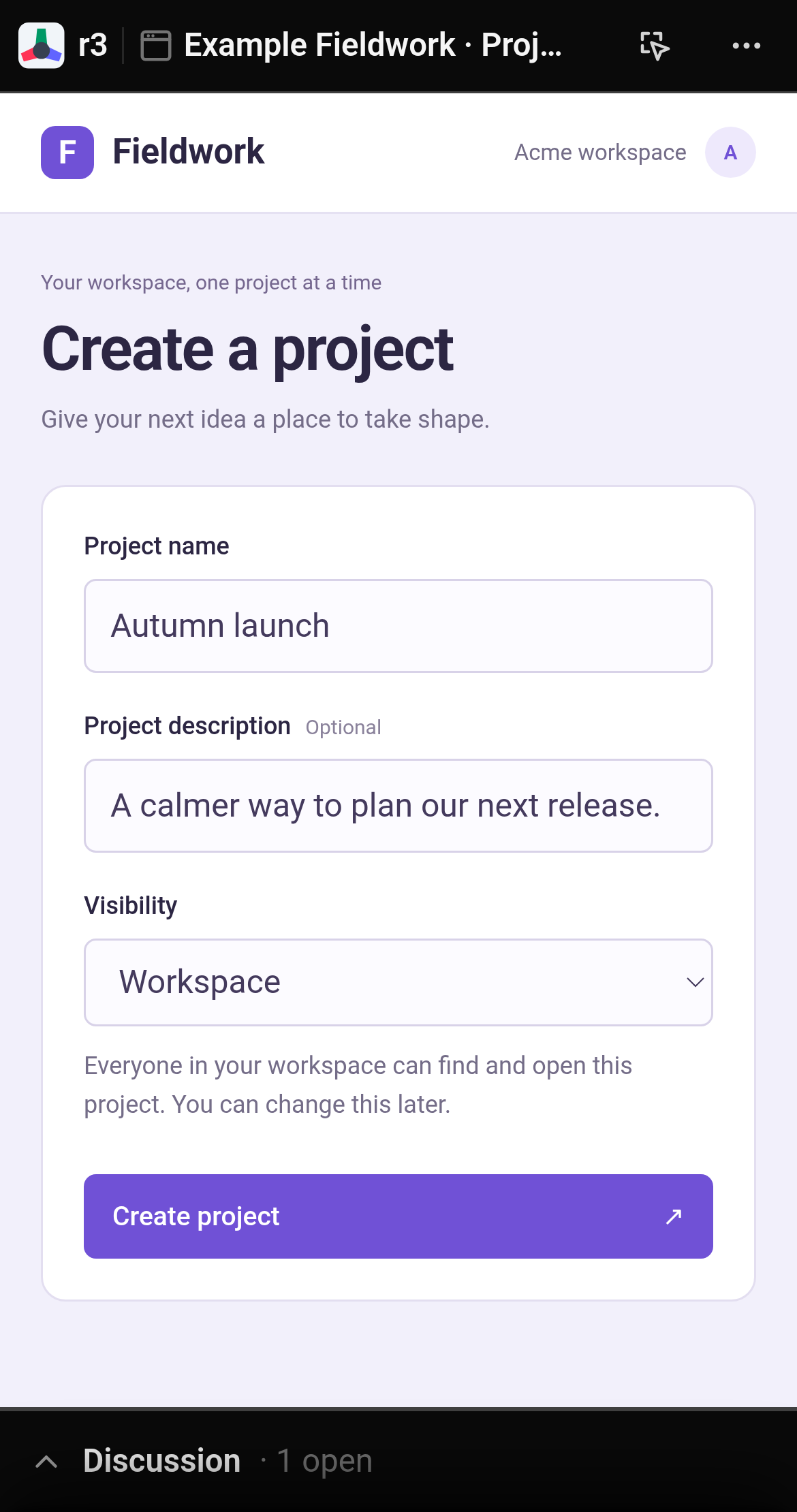
Create a project-creation form so I can review the visibility settings.
Publish an HTML artifact to r3.
Created a working prototype with project details and visibility controls.
The artifact can be viewed at http://localhost:8891/artifact_example.
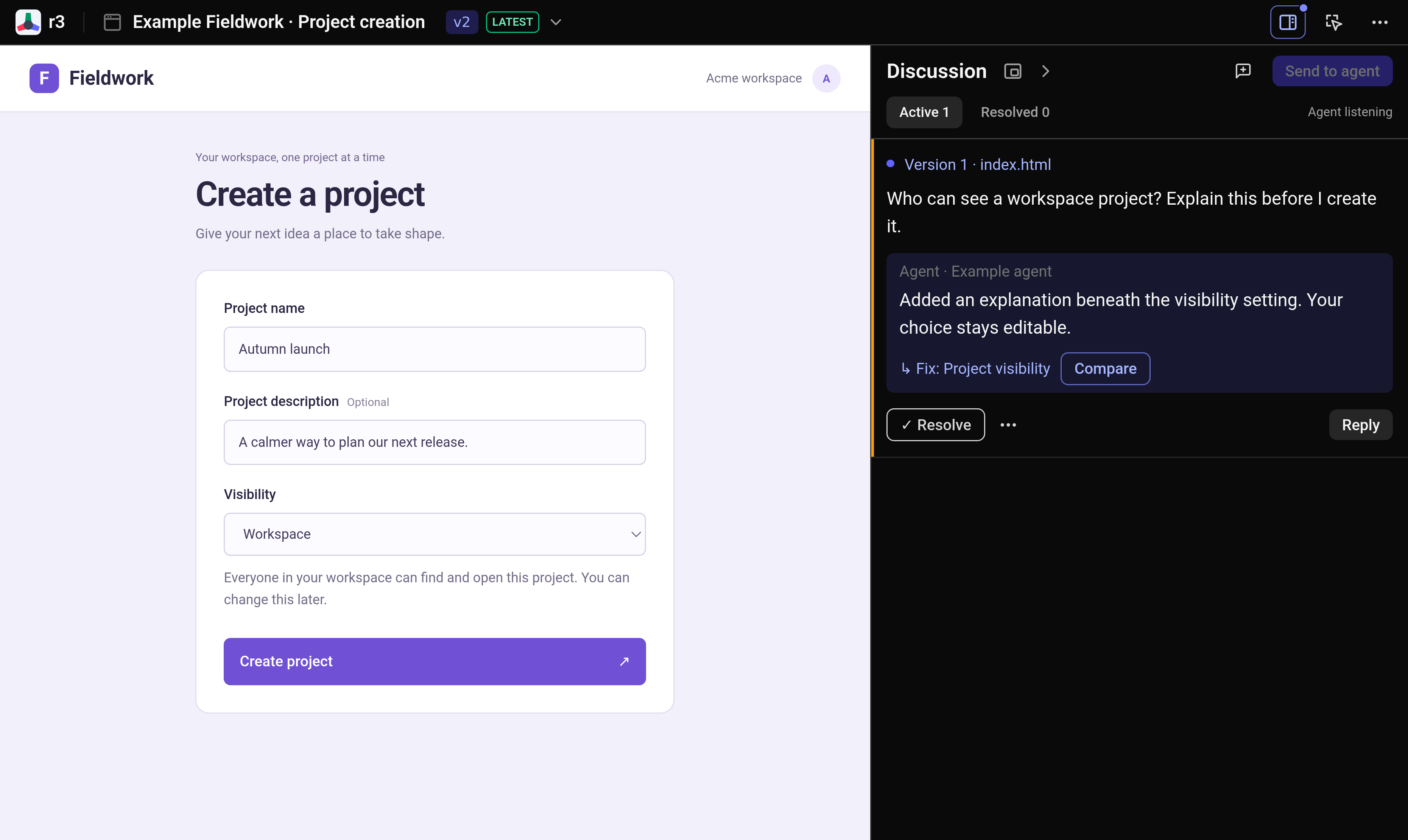
npx skills add hyperlogue/r3 --skill publish-artifacts-to-r3 --globalClick a button, heading, or input and leave a note. Collect your feedback, then send it to your agent in one batch, with the exact element and viewport context.
Your agent replies in the same thread and publishes revisions as new versions. Earlier versions stay available, so you can revisit the original and open the latest when you’re ready.
Once your agent publishes a revision, open Compare from the reply. Check the original beside the fix to see whether it solves the problem.
Attach screenshots, sketches, or design mockups directly to your feedback to show your agent the intended design.
Pause anywhere in a clip, highlight a region, and leave a note. The captured timestamp and still frame give your agent unambiguous visual context.

Start iterating visually with your agent
npx skills add hyperlogue/r3 --skill publish-artifacts-to-r3 --global