
Start here
Get started
Install the skill, ask your agent to publish, and make your first review.
Install the skill
Run this in your terminal, then choose your coding agent:
npx skills add hyperlogue/r3 --skill publish-artifacts-to-r3 --global
The skill configures your agent automatically. Reviews run locally on your machine—no accounts or external servers required unless you choose to connect your own server.
Ask your agent to publish
Create a project-creation form with a visibility setting. Publish it to r3 and share the link so I can review it.
Open the link returned by your agent. If local sign-in is required, ask it to run r3 open to generate a fresh link.
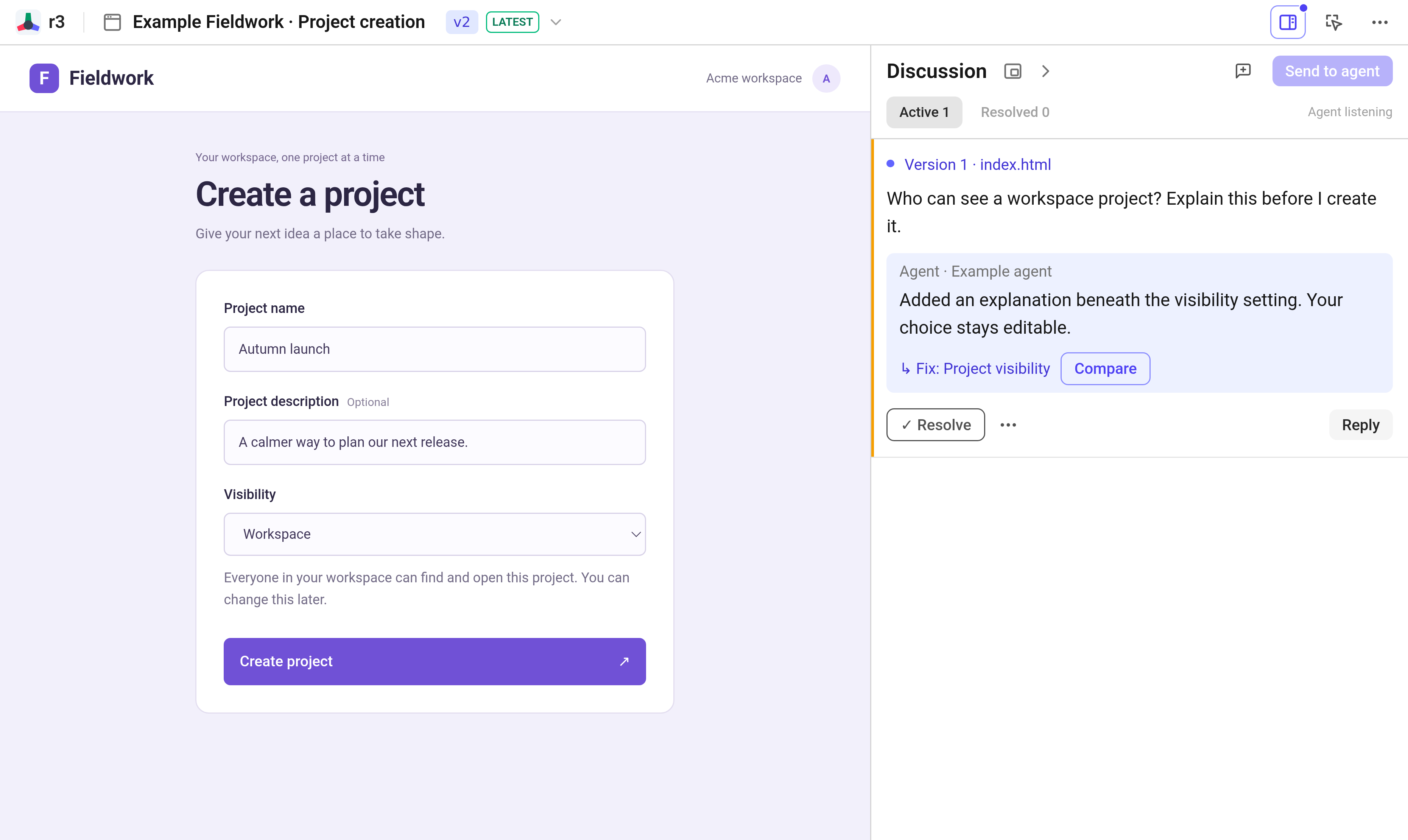
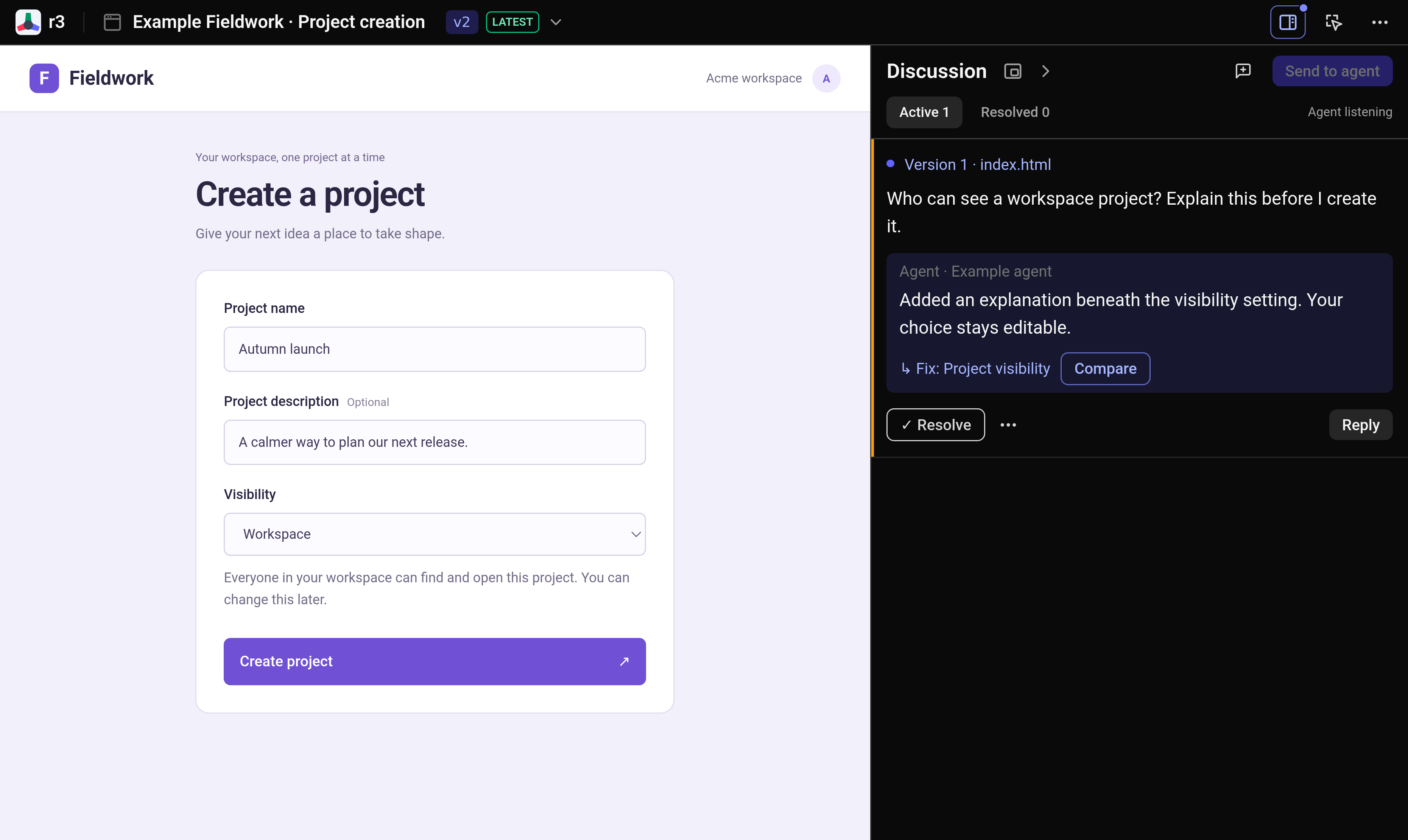
Make your first review
- Test the interface directly.
- Turn on comment mode, click any element that needs adjustment, and write your note.
- Click Send to agent. If your agent is not running in the background, click Use in agent and paste the command into your chat.
- Inspect the agent’s revision, compare the changes, and click Resolve once you are satisfied.
Try the example or learn how to give precise feedback.
Other installation methods
Or install the CLI:
npm install -g @hyperlogue/r3
bun add -g @hyperlogue/r3
On NixOS:
nix run github:hyperlogue/r3#r3 -- guide
Then ask your agent to read r3 guide. Use r3 --help for commands.