
Use cases / 01 Interactive UI
Refine a project-creation flow
Try the interface. Point at the confusing control. Review a revision in the same conversation.
A working prototype helps you catch confusing behavior before the design is finished. Here, Fieldwork’s project-creation form looks ready, but “Workspace” leaves an important question unanswered: who will see the project?
Try the flow
Open the published prototype and use the form. Enter a project name, try the visibility choices, and look for anything you would need explained before pressing Create. The review happens beside the working interface.
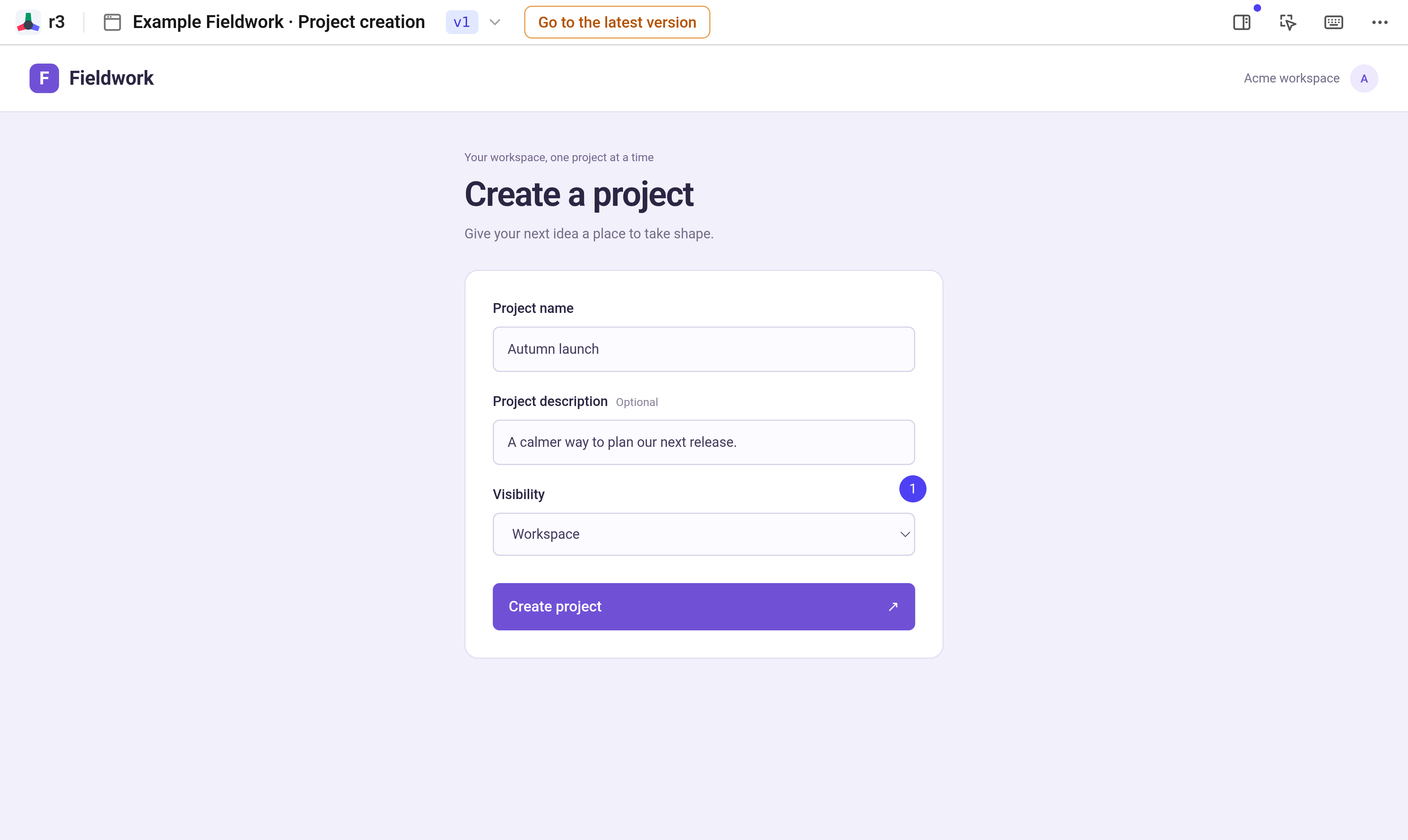
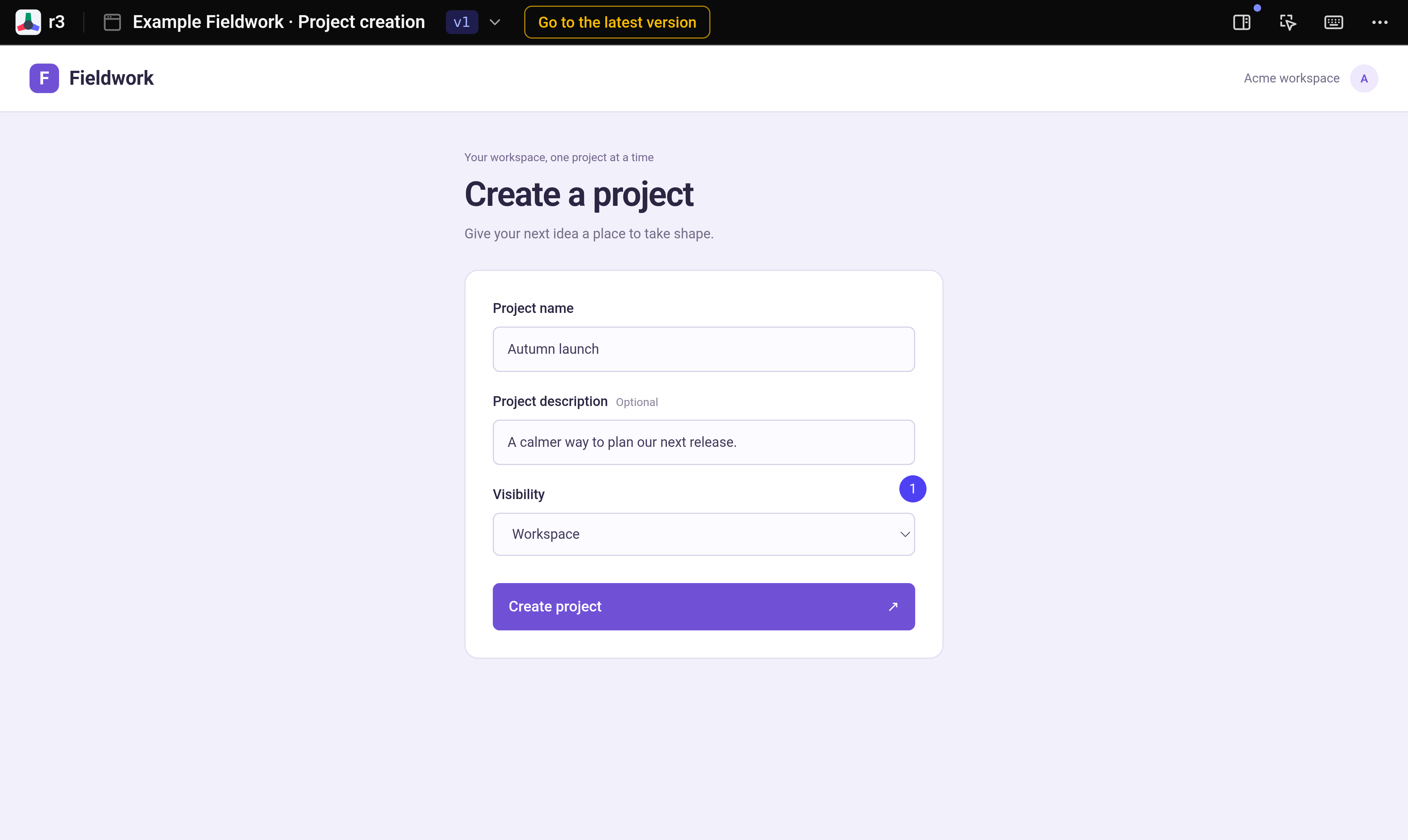
Point to the uncertainty
Select the visibility control and ask who can see a workspace project. The comment stays attached to that control and its original version, giving the agent a specific place to improve.
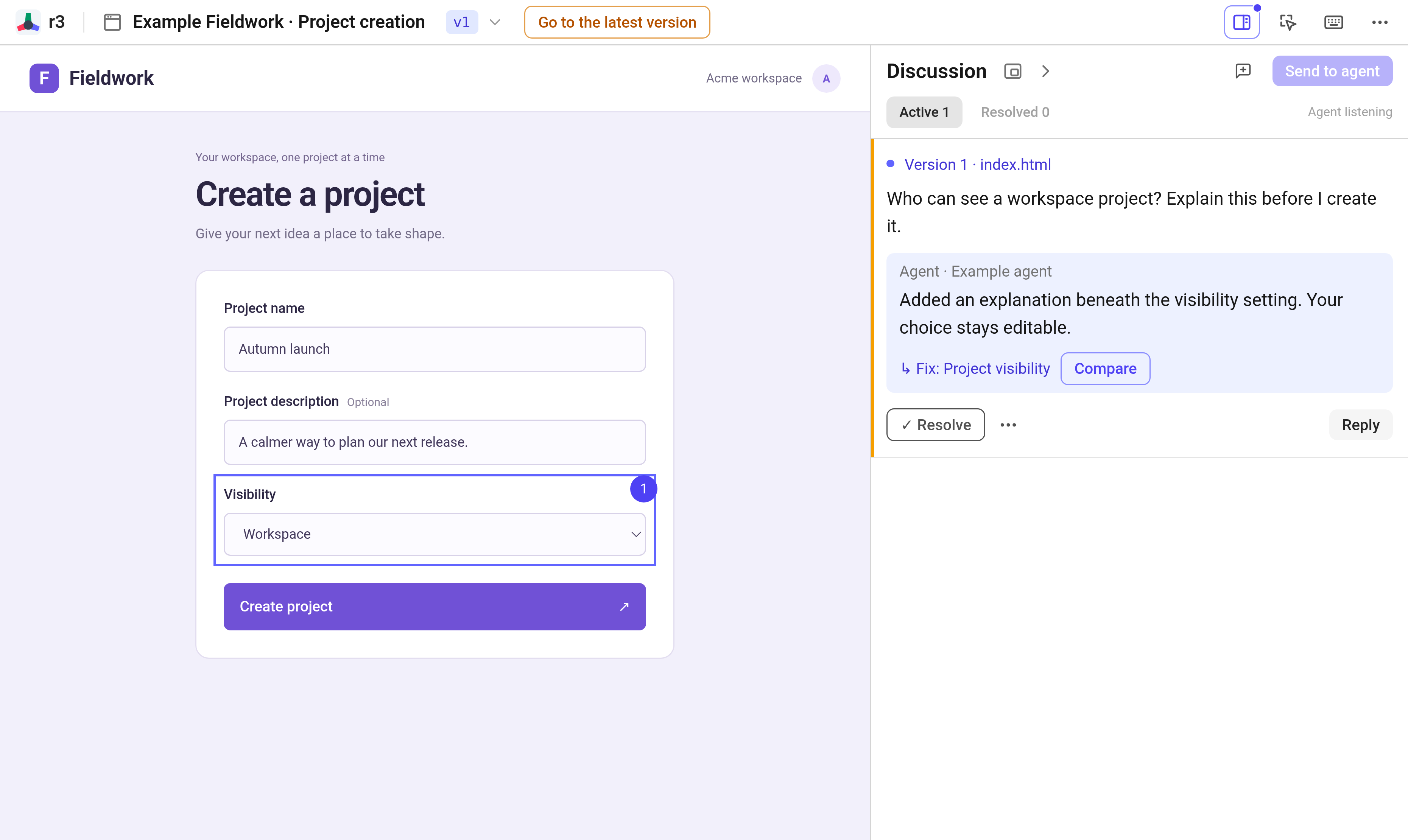
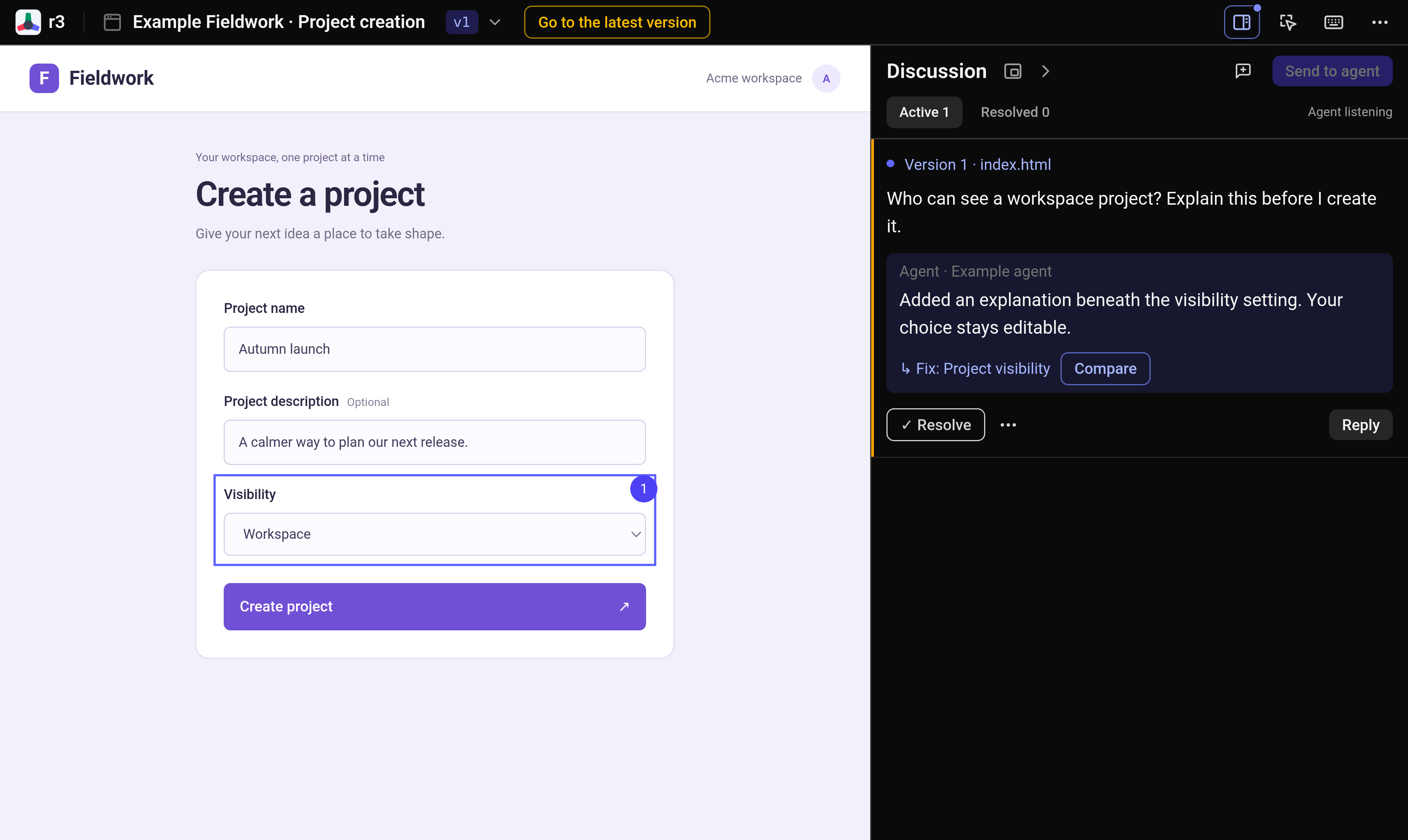
Compare the fix
The agent adds an explanation beneath the setting and links its reply to the revised control. Open Compare to see both versions together, then try the updated form before resolving the thread.
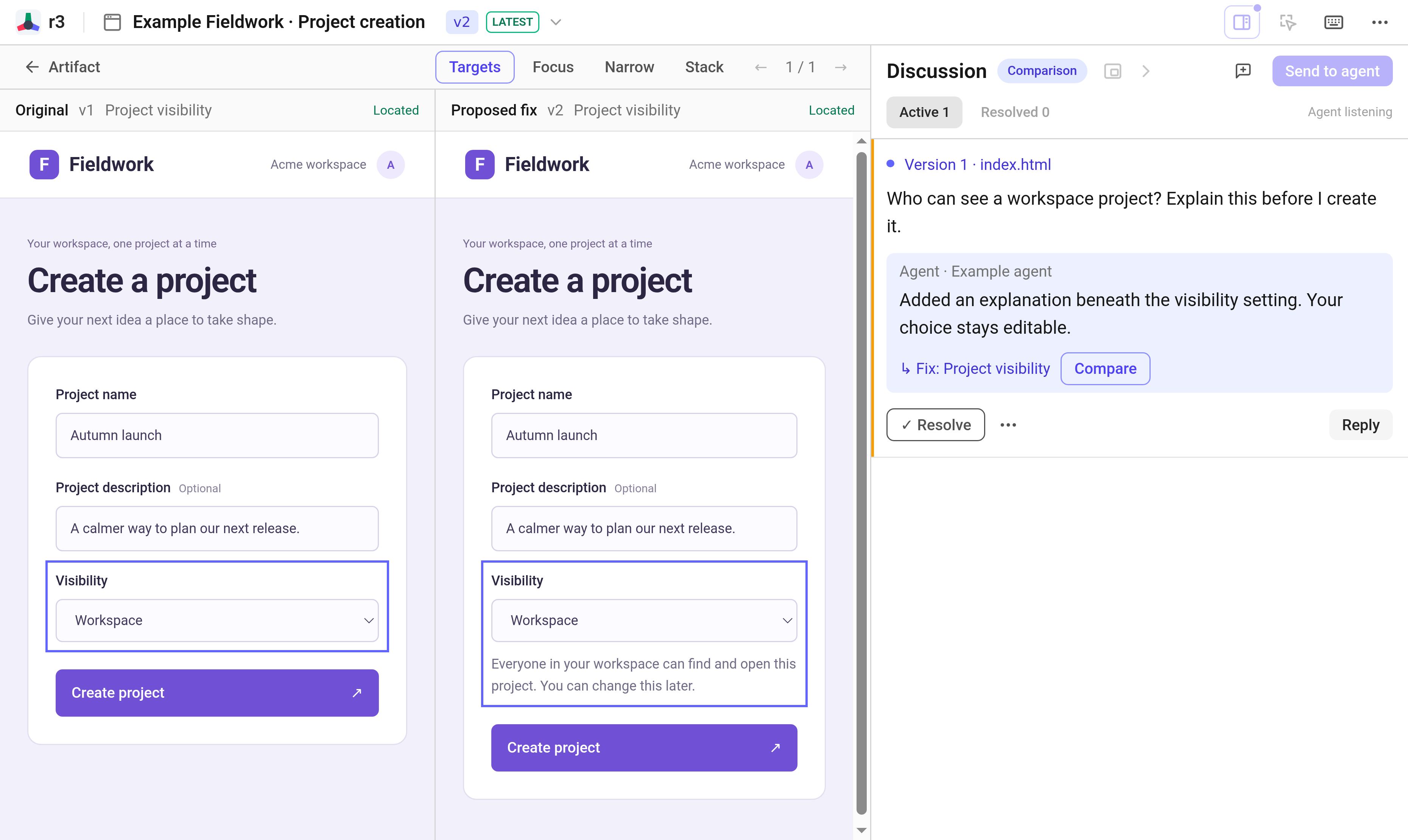
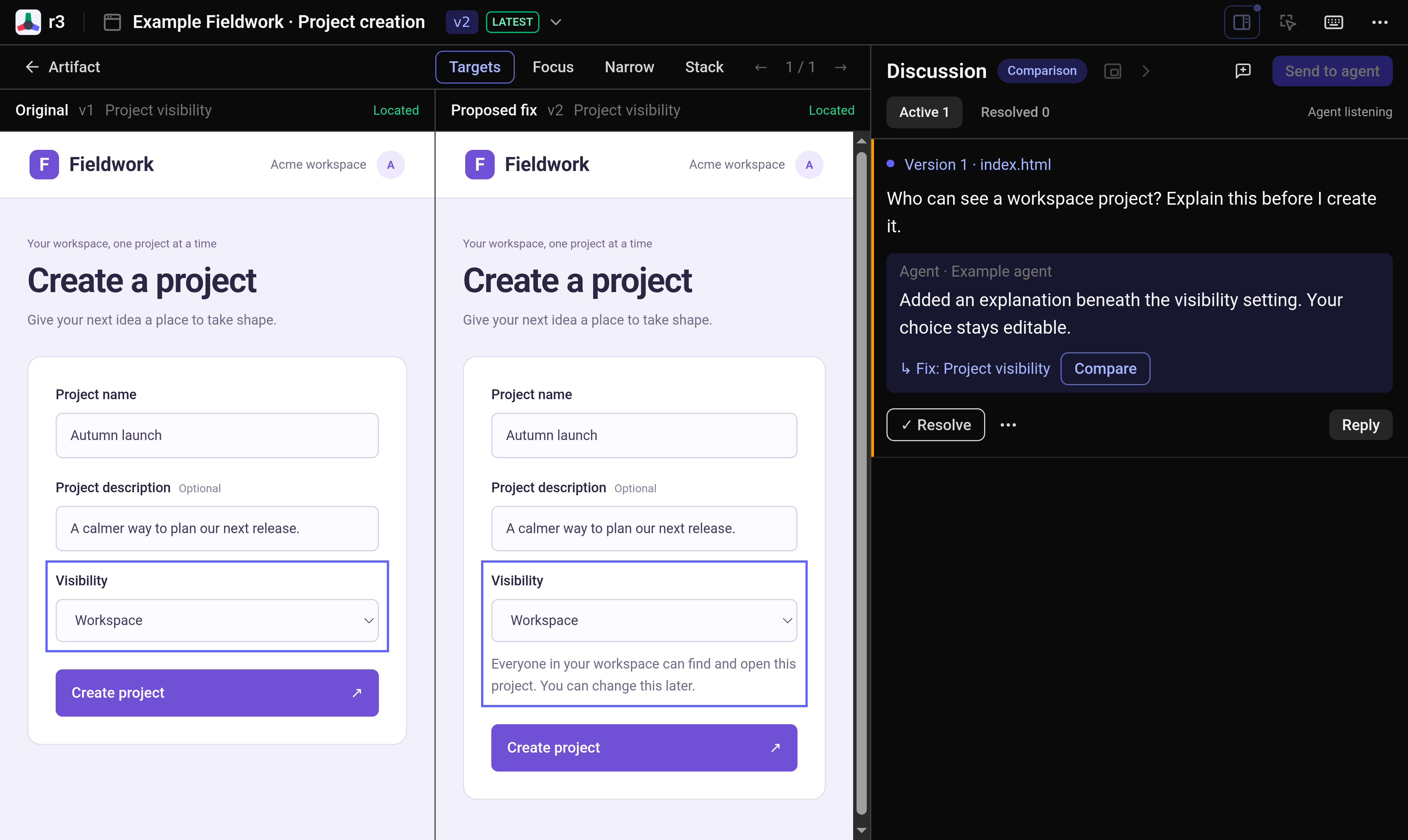
Real r3 screens. Fictional data and scripted replies.