
Review tools
Precise feedback
Select a target, explain the change, and send it to your agent.
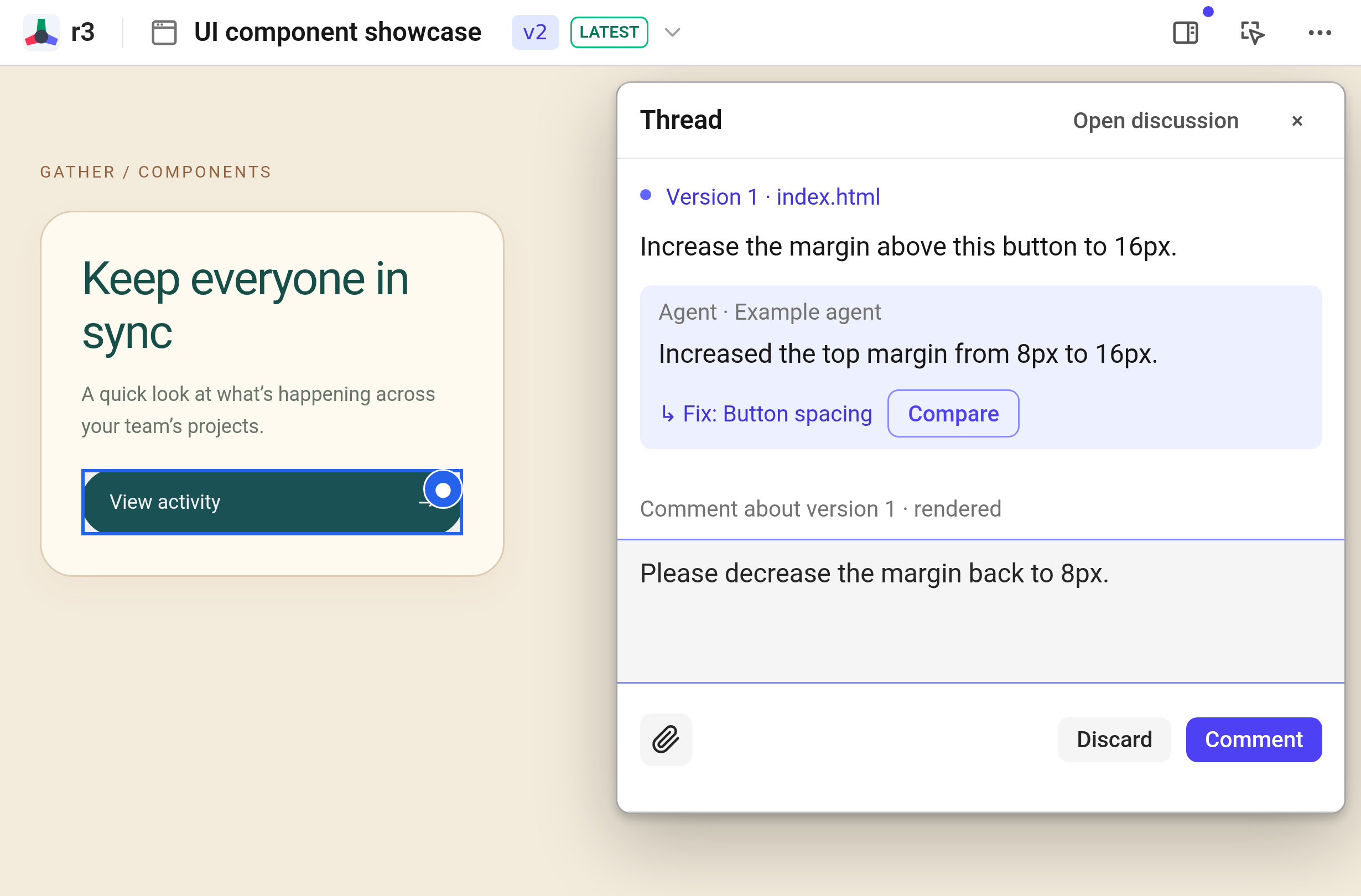
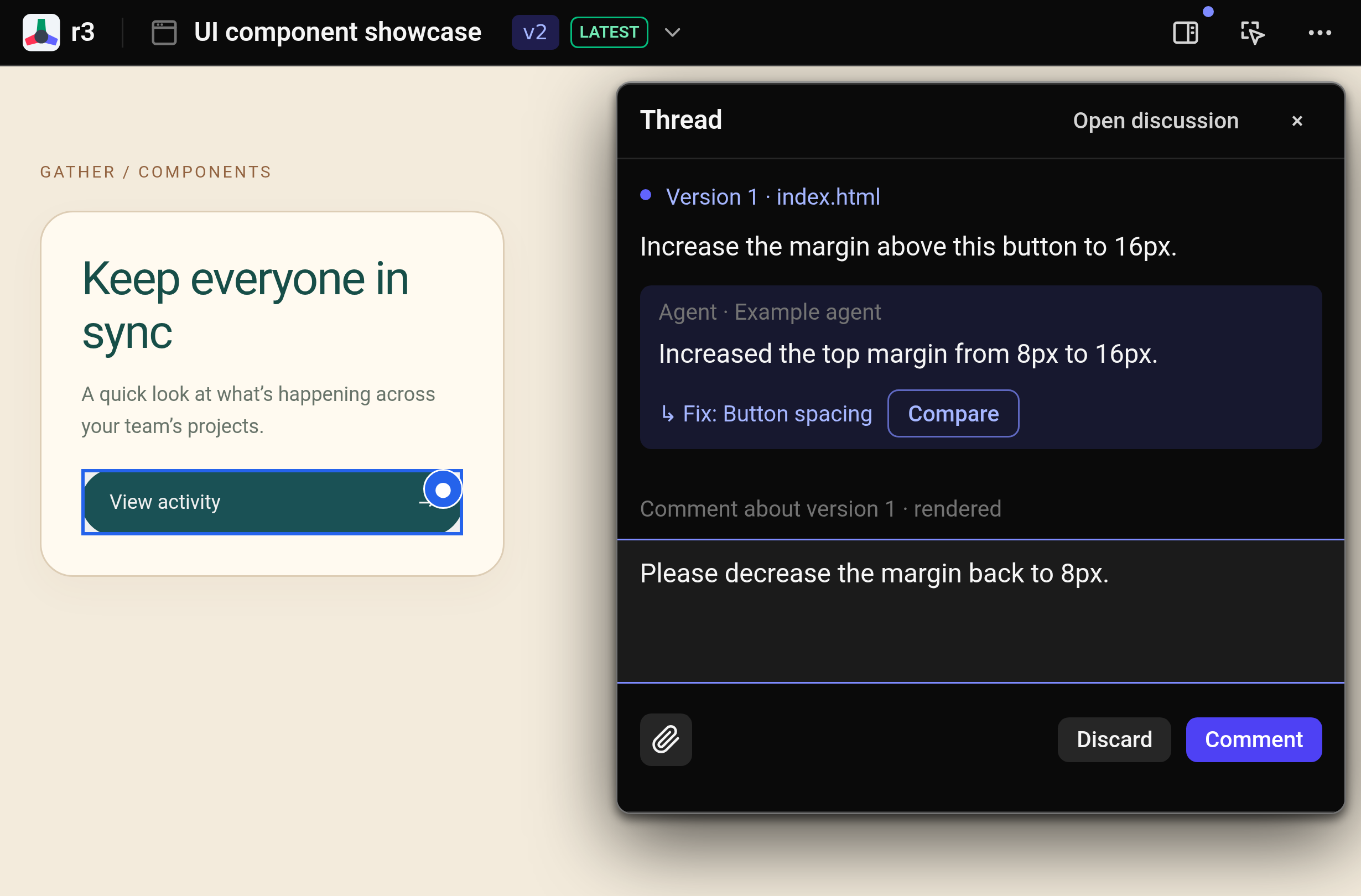
Point, explain, send
Turn on comment mode and select the element, passage, code line, or media region you want to discuss. For broader feedback spanning the whole publication, leave an artifact comment.
Point to the issue and ask for a concrete improvement:
“Workspace” is ambiguous. Explain who can see the project before I create it.
Paste an image or use Capture area when a visual reference explains the change faster. Unsent drafts remain attached to their targets as you navigate between views.
Send a batch
Batch your comments across the artifact, then click Send to agent. If your agent is not running in the background, click Use in agent to copy the command into your chat session.
Continue the conversation with Reply. You can edit or delete comments from the thread menu, and resolve the thread once the revision addresses the problem.