
Review tools
Navigation & mobile
Arrange your workspace, move through files, and review on a small screen.
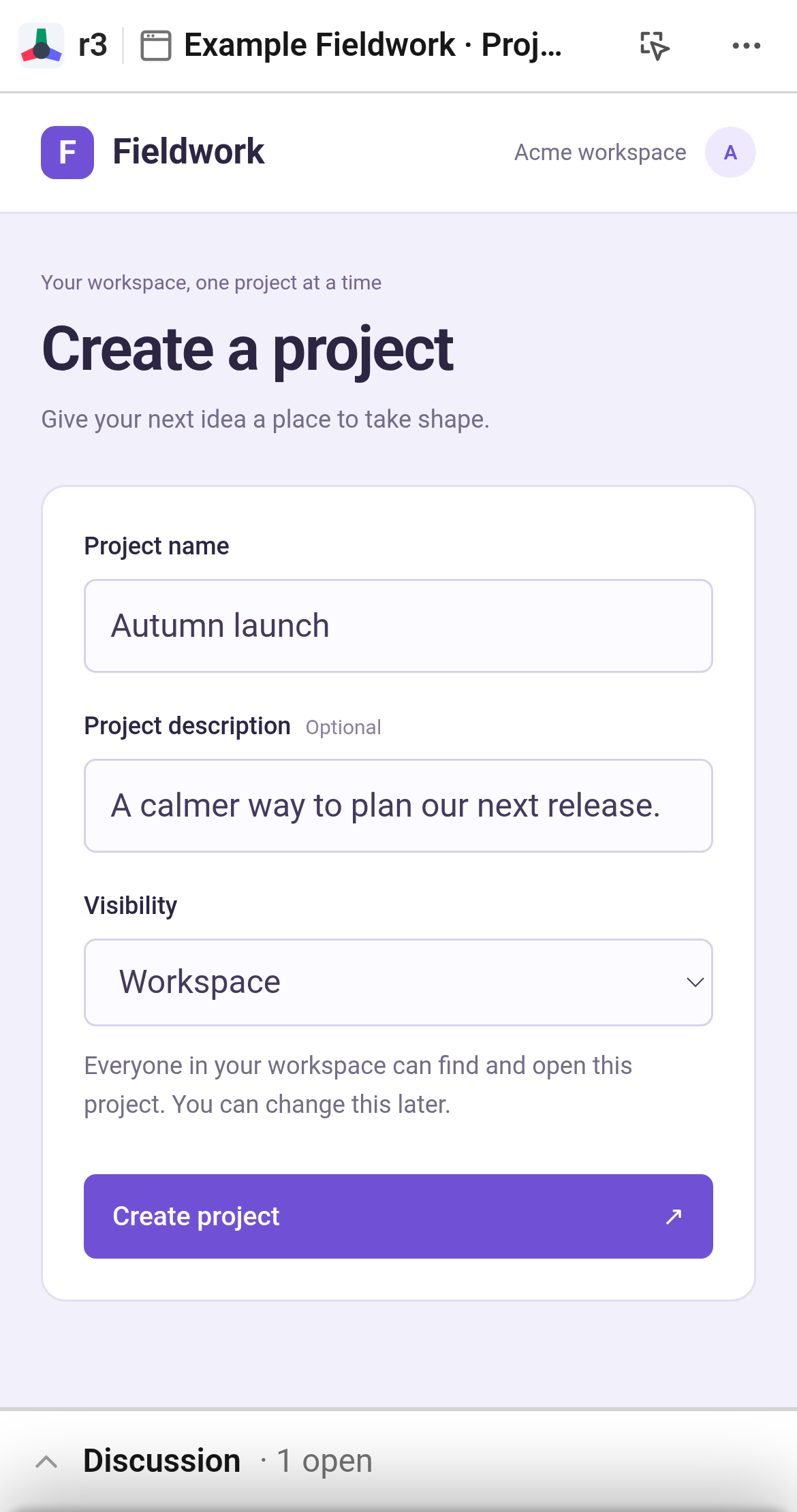
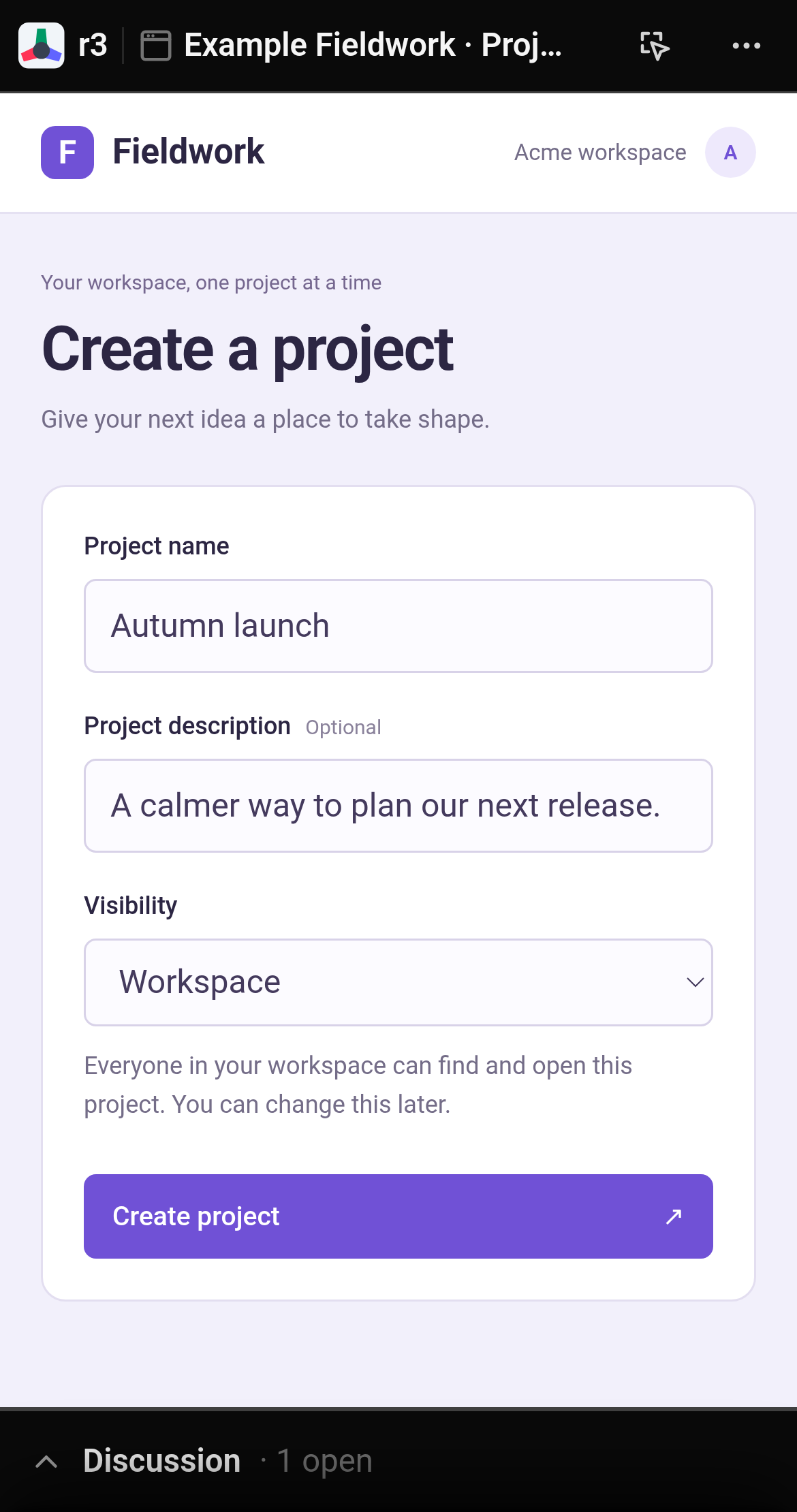
Tap the Discussion bar to read replies and leave feedback.
Make room for the work
Open or close the discussion panel from the navbar. On desktop, dock the panel to the right or let it float anywhere over the page. On phones, tap Discussion at the bottom to expand the review sheet, and swipe down to return to the document.
Move around
In file trees and diffs, press Cmd/Ctrl + P or click Jump to file to filter paths instantly. Collapse reviewed files to keep long lists tidy, and click Locate on any thread to jump directly to its referenced code or DOM element.
Customize your workspace with theme choices, font sizes, and syntax color palettes.
Press ? anywhere in the app to view the complete keyboard shortcut map.